




Most small businesses don't have a sales problem. They have a system problem.
The leads exist. The product is solid. The founder is motivated. But somewhere between the first conversation and the signed contract, something slips. A follow-up gets forgotten. A prospect goes cold because nobody circled back. A new customer lands in the inbox and gets treated like a stranger because all the notes from the last call live in someone's head.
That's the real sales challenge for small businesses in 2026. The good news is it's fixable. You just need the right tools for where your business is right now. This guide breaks down the main categories of sales software small businesses actually need and picks the best tools in each. It helps you figure out which ones are a good match for your situation.
Key Takeaways:
- Salespeople spend only 40% of their week selling, making time-saving tools especially valuable for small teams.
- The average small business uses seven software tools, while 63% of owners say managing so many tools feels overwhelming.
- Start with the sales problem costing you the most time or revenue, then choose a tool that directly addresses it.
- Solo founders can cover the basics with tools like HubSpot for CRM, Calendly for scheduling, and Stripe for payments before expanding their stack.
- For outbound sales, tools such as Apollo for prospecting and VitaMail for email outreach can help small teams find and reach potential customers.
- Price alone does not determine value. A paid tool that saves hours each week may be more useful than a free tool your team rarely uses.
What are Sales Tools?
Sales tools are software products designed to help you find, convert, and retain customers.
They're different from general business software because they're built around the commercial relationship. The job of a sales tool is to help you move a stranger from "never heard of you" to "paying customer" and then keep them there.
How Sales Tools Support the Entire Sales Process
You start with lead generation, which means finding the right people and getting their attention. Then comes outreach, where you contact prospects via email, phone, or social. After that, it's relationship building through follow-ups, meetings, demos, and conversations that earn trust. Then closing, which covers proposals, signatures, and payments. And finally, customer retention, which is about making sure that hard-won customers stick around and come back.
A good sales stack supports all five of those stages. A great one makes each one feel nearly automatic.
Why Small Businesses Need Sales Tools in 2026
According to Salesforce's 2026 State of Sales report, salespeople now spend only 40% of their week actually selling. The other 60% goes to admin, data entry, internal meetings, and other non-selling work.
For a solo founder or a two-person team, that ratio is costly. You can't afford to burn more than half your week on anything that isn't directly growing revenue.
Buyers have also gotten harder to win. They research more, take longer to decide, and expect personalization and proof of ROI before they'll even take a serious call. Generic outreach and slow follow-ups no longer get results.
Meanwhile, the average small business already runs seven different software tools, and 63% of owners say they feel overwhelmed by the sheer number of them. Stack sprawl is real, and it's costing time and money.
The answer is the right tools doing the heavy lifting in the right places.
Types of Sales Tools for Small Businesses
Most small businesses don't need every category on this list. The goal is to identify where your biggest bottleneck actually is, then address that first.
Here's what we'll cover:
1. CRM & Pipeline Tools — your system of record for every deal and relationship
2. Prospecting & Lead Generation Tools — finding the right people before they find you
3. Outreach Tools — reaching out to prospects
4. Sales Automation Tools — removing the repetitive work that eats your week
5. Communication & Meeting Tools — converting interest into actual conversations
6. Proposal & Payment Tools — closing faster, with less friction
7. Customer Success Tools — protecting the revenue you've already earned
How We Selected the Best Sales Tools
We looked at three things: whether it actually solves a real small-business problem, whether it's realistically priced for a small team, and whether it works well with other tools in a typical stack.
1. CRM & Pipeline Tools
Most small businesses lose deals because follow-ups get forgotten and conversations live in someone's head. A CRM puts every contact, conversation, and next step in one place so your team always knows what needs to happen next. The tools below cover everything from free starter options to paid plans that grow with you:
HubSpot Sales Hub — The all-rounder that grows with you
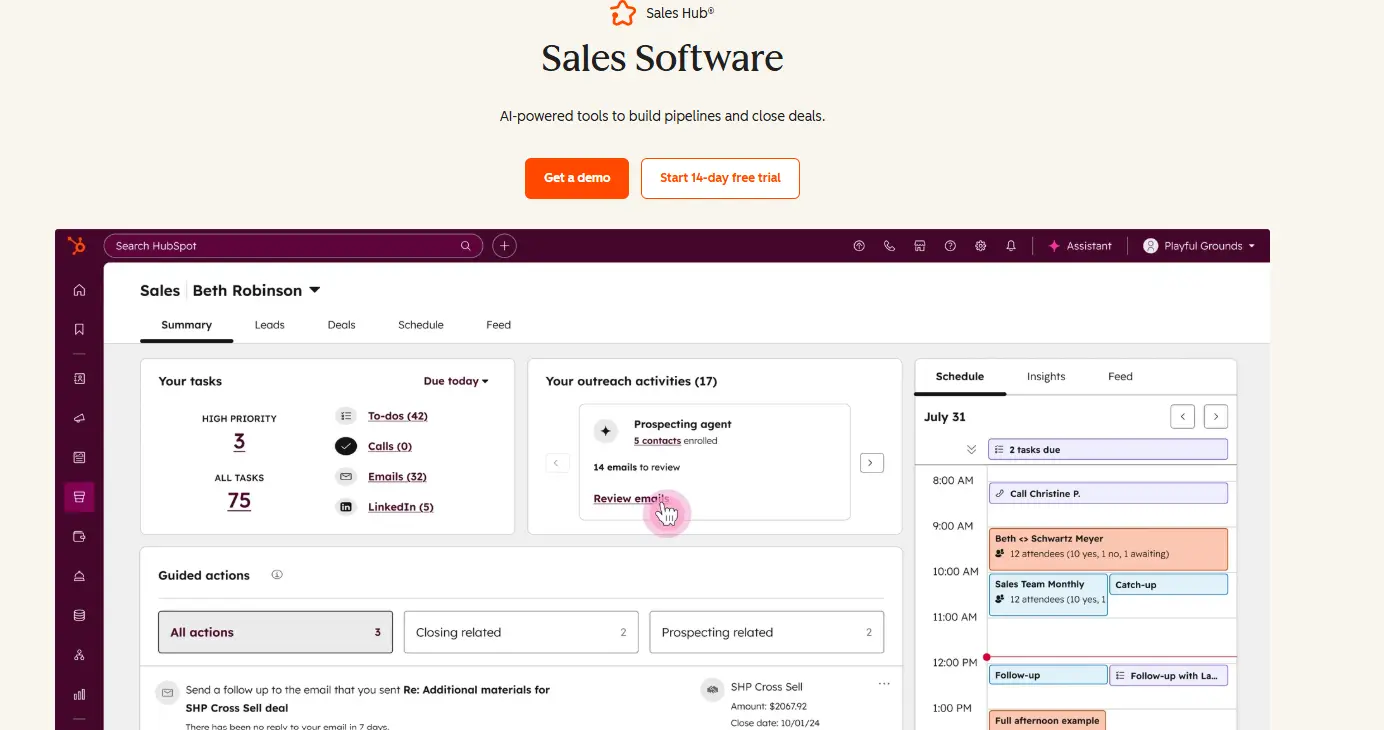
HubSpot started as a marketing platform and has become one of the most comprehensive sales tools for growing businesses. The free tier is genuinely useful. You get contact management, deal pipelines, email tracking, meeting scheduling, and basic automation all in one place. As your team grows, the paid tiers add forecasting, lead scoring, sequences, and deeper reporting.
Key Features:
- Visual deal pipeline with drag-and-drop stages
- Built-in email and call tracking
- Meeting scheduler that syncs with your calendar
- Contact and deal management with dashboards and analytics
- Sequences for automated follow-up
- Native integrations with Gmail, Outlook, Slack, and hundreds more
Strengths: Intuitive interface with a generous free tier; marketing and sales on one platform; strong reporting and a large integration marketplace.
Limitations: Sequences are email-only on lower tiers; no website visitor identification or power dialer without costly add-ons; pricing jumps sharply from Starter to Professional.
Pricing: 14-day free trial available; paid plans start from $20/user/month.
Best for: Small teams that want one platform to handle sales and marketing together.
BIGContacts - Easiest All-in-One CRM for Contact Management
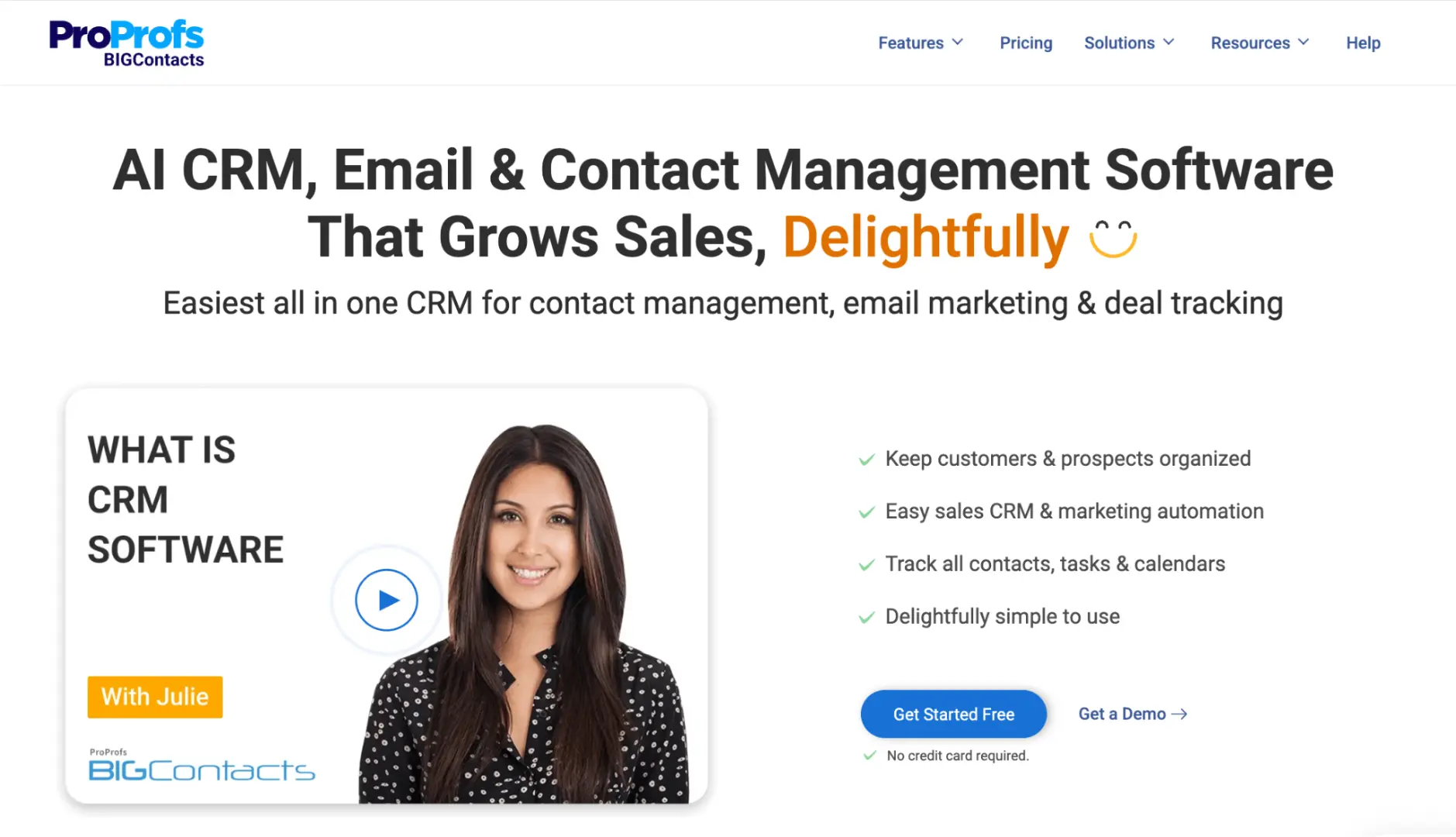
BIGContacts keeps contact management, email marketing, and deal tracking together in one platform. The interface is easy to navigate, making it simple to organize customer relationships, manage your pipeline, and send email campaigns without switching between multiple tools. As your business grows, built-in lead scoring and pipeline insights help you stay on top of sales opportunities.
Key Features:
- Centralized contact database with custom fields, segmentation, and activity history
- Visual deal pipeline with Kanban and list views
- Built-in email marketing with customizable templates
- AI campaign designer for creating email campaigns
- AI pipeline tracker that identifies stalled deals
- AI-powered dashboard with lead scoring and conversion insights
Strengths: Easy to set up and use; combines contact management, email marketing, and pipeline tracking in one platform; strong value for small businesses.
Limitations: No downloadable or on-premise version available; dark mode is not currently supported.
Pricing: Free plan available for up to 100 contacts; paid plans start from $9.99/month.
Best for: Small businesses that want an affordable all-in-one CRM.
Pipedrive — Built by salespeople, for salespeople
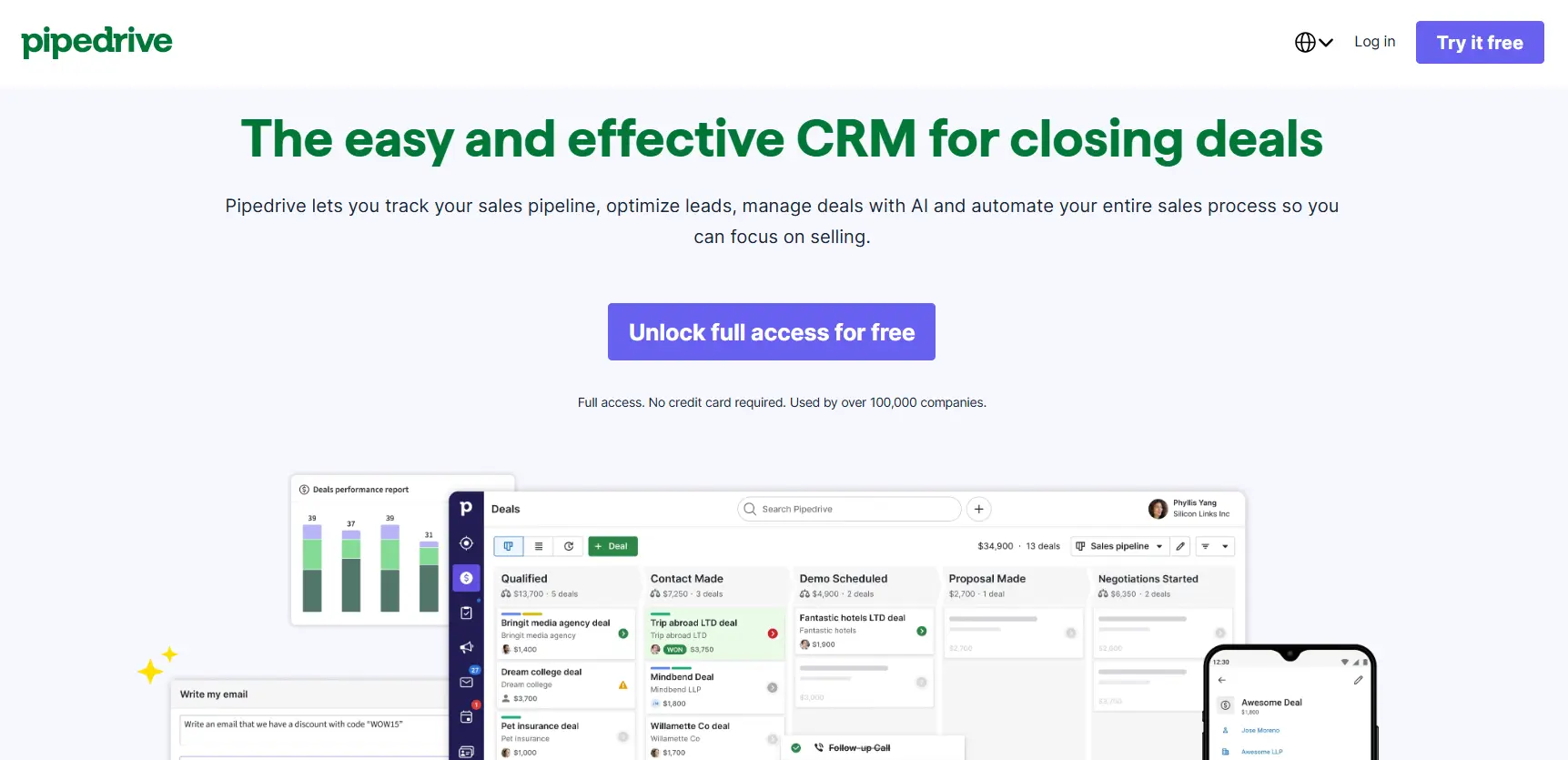
Pipedrive is refreshingly focused. The whole interface is organized around your pipeline, and that clarity is its biggest selling point. If your team relies on visual deal tracking and fast data entry, Pipedrive earns its keep quickly.
Key Features:
- Visual pipeline with activity-based selling reminders
- AI Sales Assistant with smart suggestions and lead prioritization
- Email sync and tracking
- Workflow automation
- Meeting scheduler
- Revenue forecasting and reporting dashboards
Strengths: Best-in-class visual pipeline; fast adoption curve; practical AI features that surface deal priorities without getting in the way.
Limitations: No free plan; marketing and service features require add-ons; LeadBooster, Smart Docs, and Web Visitors add meaningfully to the monthly cost.
Pricing: 14-day free trial available, paid plans start from $14/user/month.
Best for: Sales-focused teams that want a pure CRM without the extra noise.
Zoho CRM — The budget champion with depth
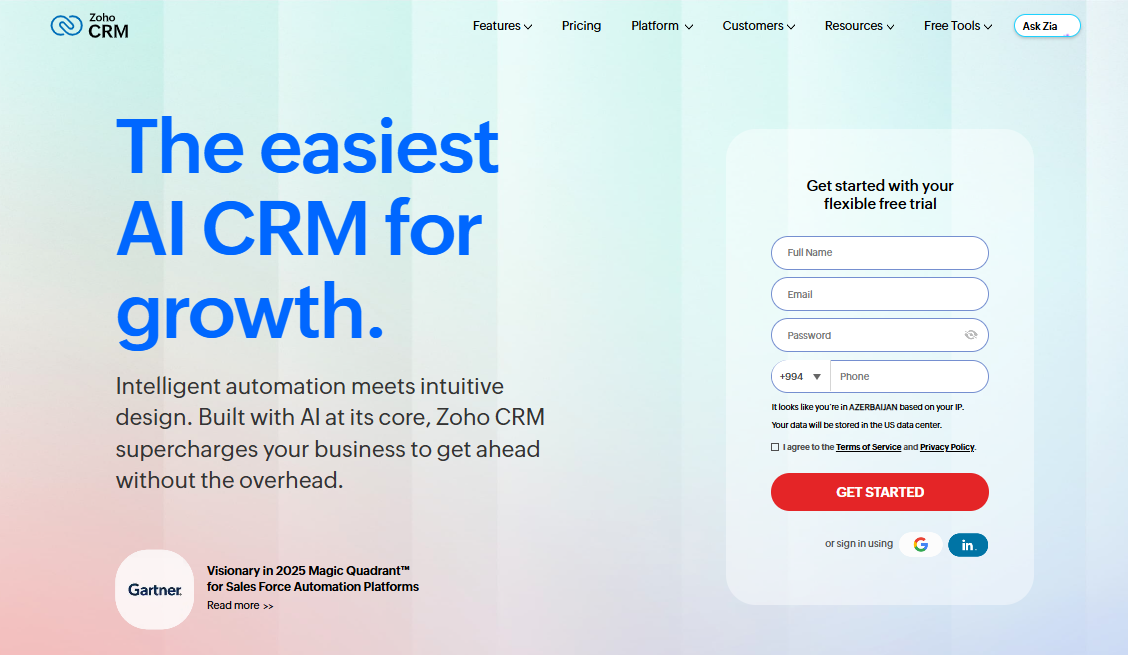
Zoho CRM covers lead management, contact history, workflow automation, forecasting, and a built-in AI assistant called Zia that flags issues in your pipeline. The interface isn't as polished as HubSpot, but for a small business watching budget carefully, the feature-to-dollar ratio is hard to argue with.
Key Features:
- Zia AI assistant for predictions and pipeline suggestions
- Multi-channel communication across email, phone, social, and live chat
- Workflow automation and Blueprint for process management
- Scoring rules, dashboards, and analytics
- Deep customization options
- Free plan for up to 3 users
Strengths: Excellent value for the price; broad feature set including analytics, customization, and integrations within the wider Zoho ecosystem
Limitations: Can feel overwhelming given the sheer breadth of features; interface feels cluttered compared to competitors; customer support experiences are mixed.
Pricing: Free plan available for up to 3 users; paid plans start from $14/user/month.
Best for: Budget-conscious teams that don't want to compromise on features.
2. Prospecting & Lead Generation Tools
You can only sell to people you can find. These tools help you build a list of the right contacts, verify their details, and reach them before a competitor does. For small teams with limited time, the right prospecting tool turns hours of manual research into minutes.
Apollo.io — Your outbound engine
Apollo combines a large B2B contact database with outreach sequencing, so you can find prospects and contact them in the same platform. The free plan gives you enough to test the workflow before committing.
Key Features:
- Large prospecting database with advanced search filters
- Email and LinkedIn outreach sequences
- Chrome extension for prospecting on LinkedIn
- CRM sync with HubSpot, Salesforce, and others
- Data enrichment and export credits
- Analytics and reporting
Strengths: Comprehensive lead database; powerful search filters; solid CRM integrations; strong analytics for the price.
Limitations: The credit system is genuinely confusing. Email credits are marketed as "unlimited" but are subject to fair-use thresholds.
Pricing: Free plan available; paid plans start from $49/user/month.
Best for: B2B teams that need both a contact database and an outreach tool in one place.
LinkedIn Sales Navigator — The premium social-selling layer
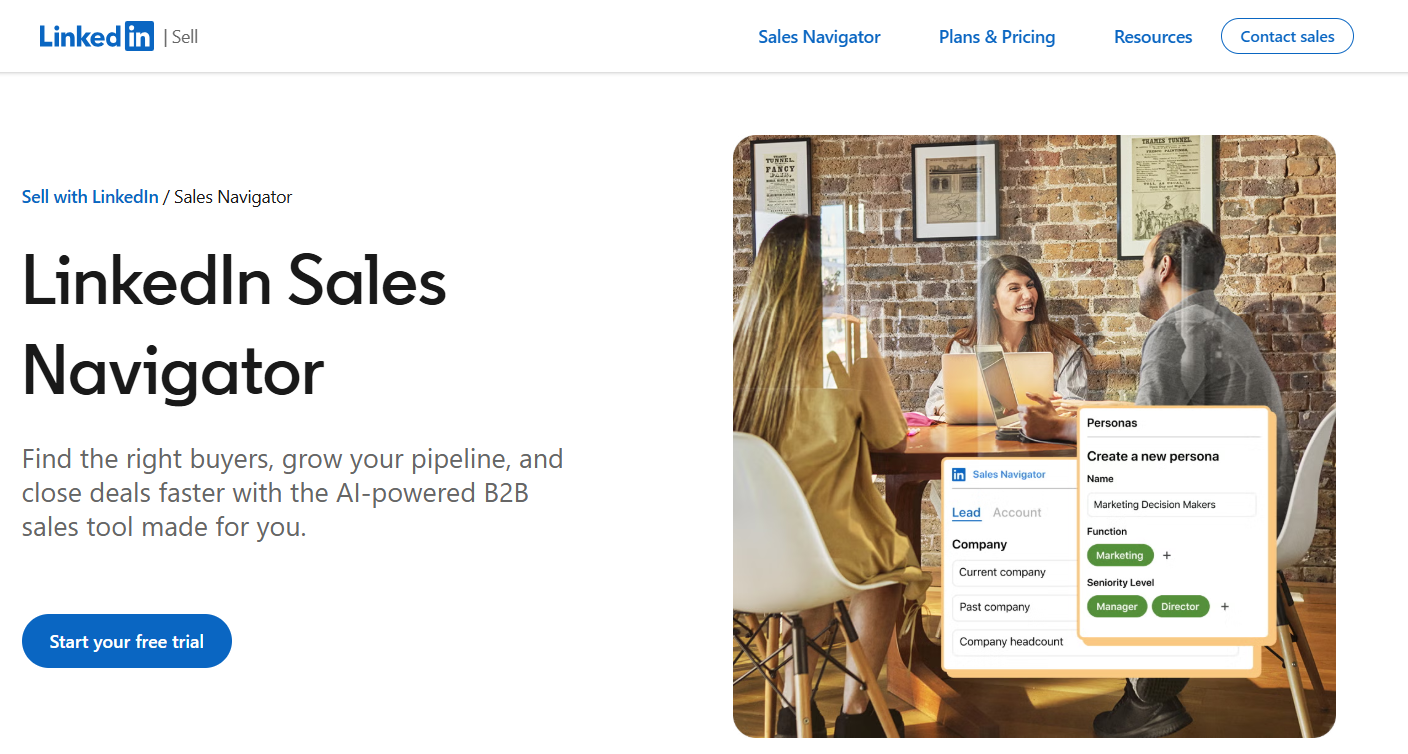
If your buyers are on LinkedIn, and in B2B they almost always are, Sales Navigator earns back its price quickly. The advanced search, lead recommendations, and real-time alerts on prospect activity make it easier to reach out with the right context at the right time.
Key Features:
- Advanced lead and account search with 50+ filters
- Real-time alerts on job changes, company news, and posts
- 50 InMail credits per month
- AI-powered Account IQ and Lead IQ insights
- TeamLink to find warm introductions through colleagues
- CRM integration with auto-save to HubSpot or Salesforce
Strengths: Rich network data and buyer insights; lead recommendations and saved searches; reliable mobile app.
Limitations: Data accuracy depends on how up to date LinkedIn profiles are, and roughly a third of data can be outdated. Interface can feel overwhelming. Data is tied to the license holder's account, so if that person leaves, you may lose saved lists.
Pricing: Starts from $119.99/user/month.
Best for: B2B founders and reps who sell to mid-market or enterprise buyers through relationship-led outreach.
Apify — Lead extraction and contact discovery
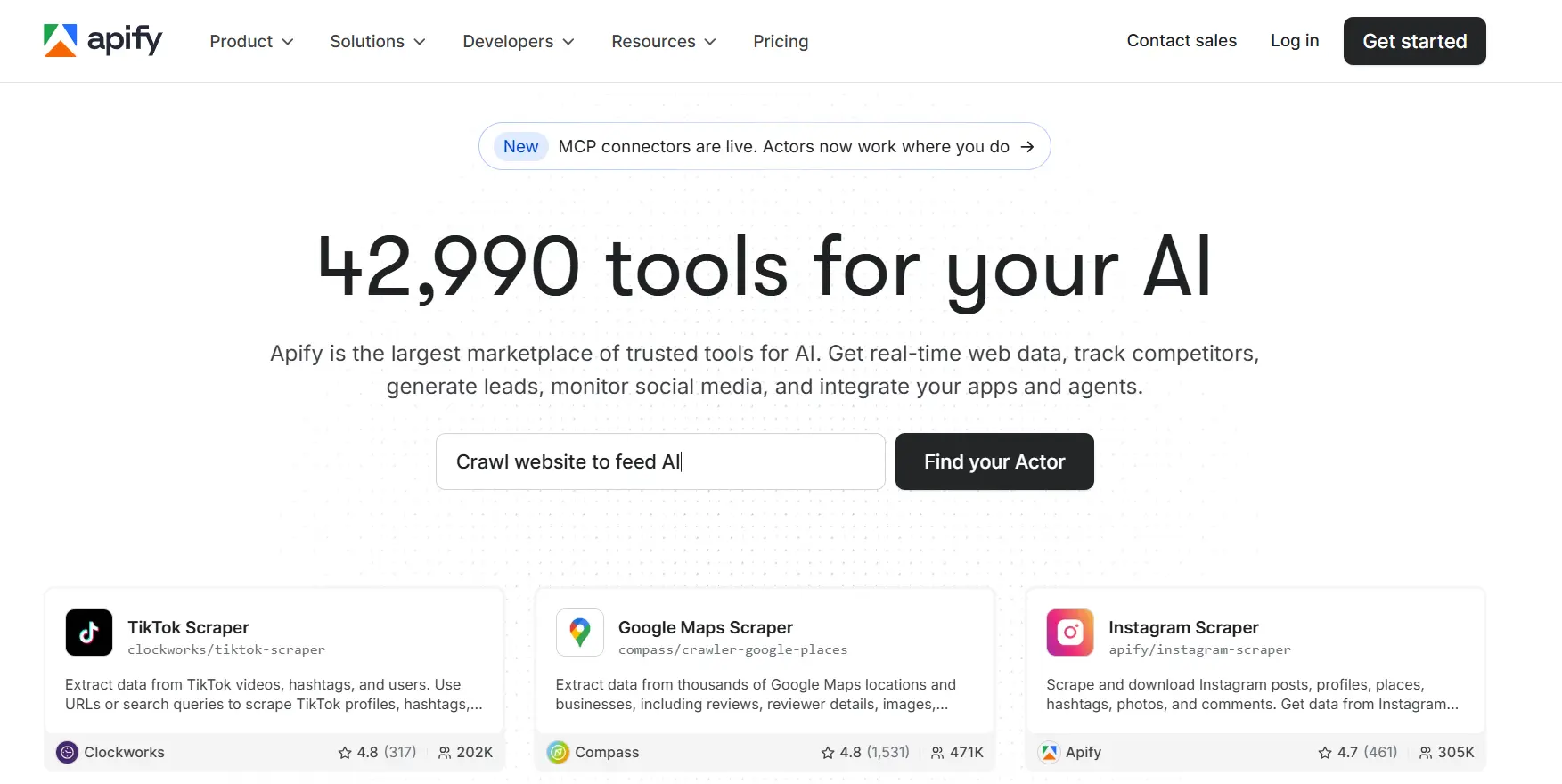
Apify helps teams build prospect lists by extracting contact data from websites, directories, and social platforms. Instead of relying on a fixed B2B database, users can collect emails, phone numbers, social profiles, and company information directly from relevant sources.
Key Features:
- Contact data extraction from public websites
- Email and phone number discovery
- Social profile identification across major platforms
- Lead enrichment with company and employee data
- Email verification capabilities
- Bulk exports to CSV, Excel, JSON, and other formats
Strengths: Flexible data collection from virtually any website; combines scraping, enrichment, and verification in one platform; scalable pricing model.
Limitations: Requires users to identify target websites or data sources; does not include built-in outreach or email sequencing features.
Pricing: Pay-as-you-go pricing based on usage, with a free tier that includes monthly platform credits.
Best for: Sales teams, recruiters, agencies, and growth marketers who need to build targeted prospect lists from specific websites rather than a fixed contact database.
Hunter.io — Email finding, simplified
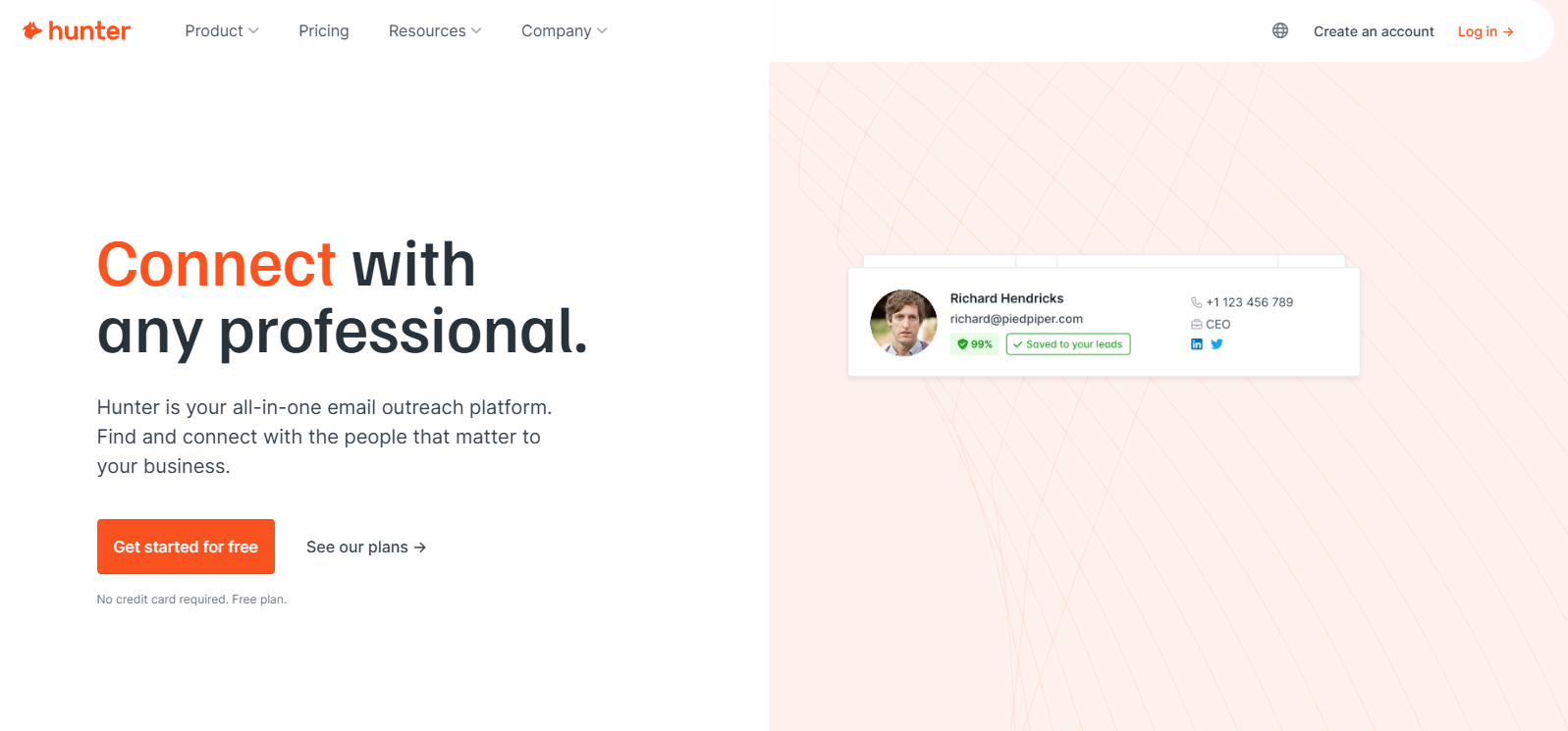
Hunter does one thing well: it finds verified email addresses for your target contacts. Use it when you already know who you want to reach and just need the actual address. Simple, accurate, and priced accessibly for small teams.
Key Features:
- Domain search to find all emails at a company (76M+ indexed websites)
- Email verifier to reduce bounces
- Bulk email finding via CSV upload
- Chrome extension for real-time lookup
- Campaigns feature for basic cold email sequences
- AI assistant and lead enrichment on paid plans
Strengths: Effective at finding business email addresses; clean and easy to use without training; unlimited team members on all plans.
Limitations: No phone numbers or buying-intent data; domain search returns no results for smaller or less-established companies; the campaigns tool is email-only with no A/B testing or advanced follow-up logic.
Pricing: Free plan available; paid plans start from $34/month.
Best for: Small teams doing targeted outbound who need verified emails without a full prospecting platform.
Knock AI — The formless funnel for B2B inbound

Knock AI is an inbound AI SDR that identifies buyers on your site, qualifies them in a live conversation, and books the meeting without a rep touching it. For B2B teams watching their form conversion drop every quarter, it replaces fill-out-and-wait with a conversation that happens while the buyer is still on the page.
Key Features :
- Auto identification and enrichment of site visitors
- Intent scoring on live sessions
- AI SDR that runs qualification inside the conversation
- Routing by territory, language, and account ownership
- Instant meeting booking with no calendar back and forth
- Messaging across LinkedIn, WhatsApp, Slack, and Telegram
- Slack and CRM sync
Strengths: Gives buyers a path to sales that isn't a form; filters out-of-ICP traffic before it reaches a rep; books the meeting while intent is live rather than days later; routes by geo, language, and ownership without a round robin someone can game; keeps the thread open before and after the meeting, which brings no-show rates down.
Limitations: Not an outbound tool. No contact database and no cold email sending, so it works alongside the rest of this list rather than replacing anything on it.
Pricing: Starts from $2,000/month, with a mid tier from $3,500/month and custom enterprise pricing.
Best for: B2B companies with steady inbound traffic that are losing pipeline to slow response times, manual routing, and forms their buyers no longer want to fill out.
3. Outreach Tools
Finding a prospect is half the job. Getting them to respond is the other half. These tools handle sending, following up, and tracking replies at scale, so your message reaches people even when your attention is elsewhere.
VitaMail — AI Email Outreach and Campaign Platform
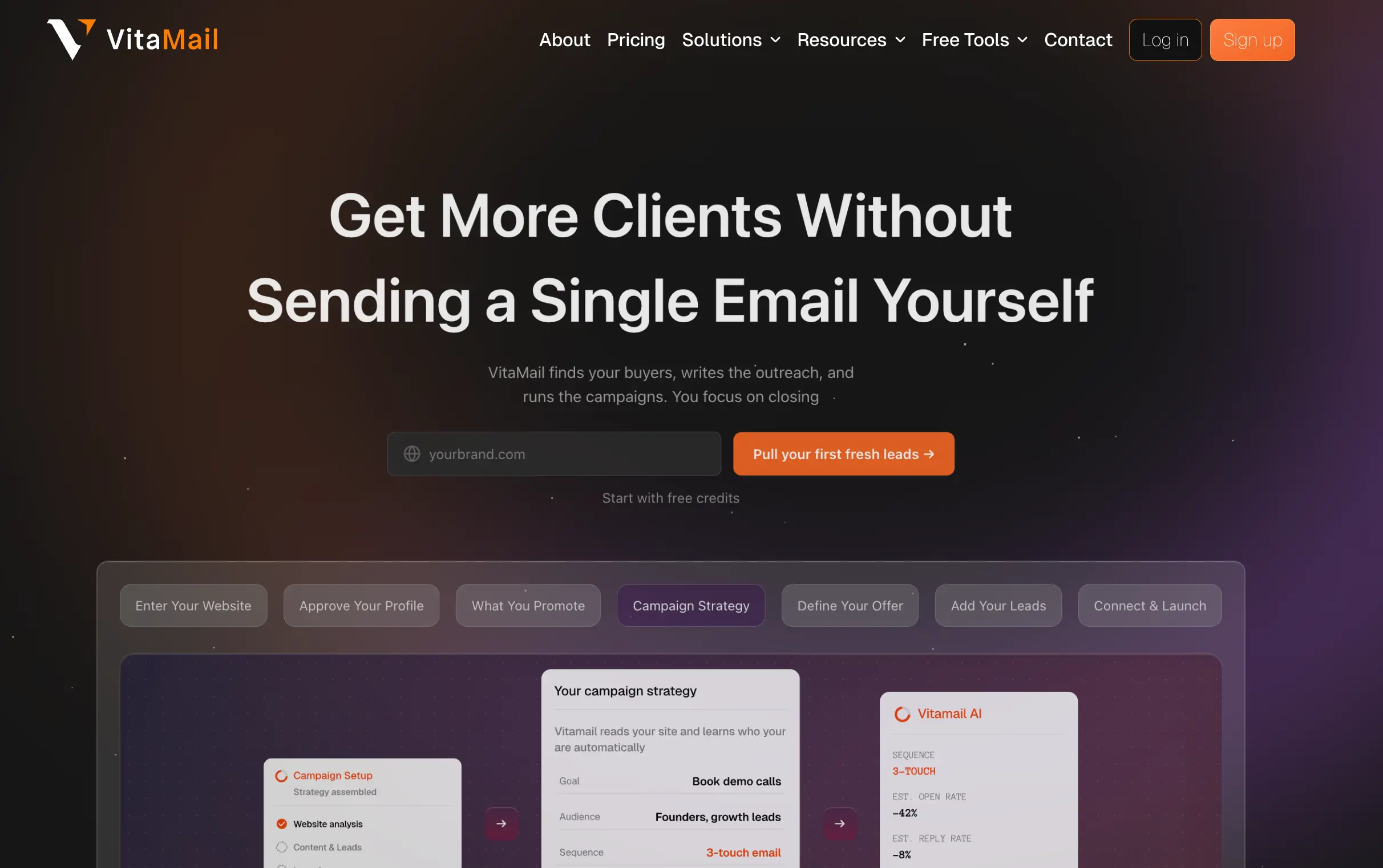
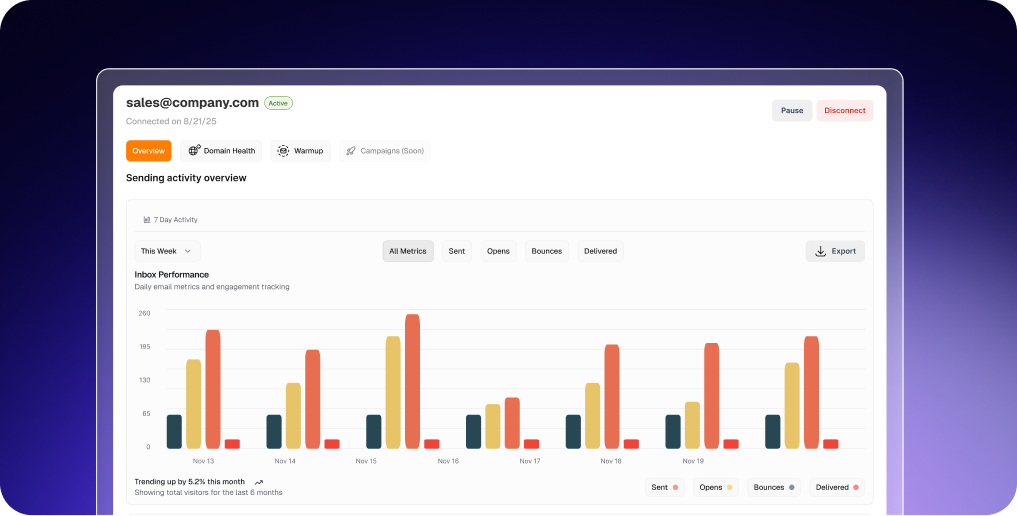
VitaMail is an AI-powered email outreach and campaign platform designed for small businesses, startups, agencies, and sales teams that want to manage the entire outreach process from one place. It helps users create campaigns, generate personalized emails, verify contact lists, monitor domain health, prepare inboxes with warm-up, and launch outreach without relying on multiple tools.
Key Features:
- AI-guided campaign creation based on your business and goals
- AI-generated subject lines and personalized email content
- Multi-inbox outreach with Gmail and Outlook
- Inbox warm-up for new sending accounts
- Single and bulk email verification
- Domain Health monitoring with Domain Doctor guidance
- Contact lists, Workspaces, and campaign management
- Free, Pay-Per-Use, Subscription, and Enterprise pricing
Strengths: Combines campaign creation, email verification, inbox warm-up, and domain health monitoring in one platform; flexible pricing with Free, Pay-Per-Use, Subscription, and Enterprise plans; easy to get started for growing teams.
Limitations: Some advanced functionality is available on higher-tier plans; free credits may not be enough to fully explore every feature.
Pricing: New users receive 1,000 free credits upon signup. Pay-Per-Use starts at $10, with Business and Enterprise susbciption plans available.
Best for: Small businesses, startups, agencies, and sales teams looking for an affordable way to create campaigns, organise outreach, and reach potential customers from one place.
SendX — Email marketing without the complexity
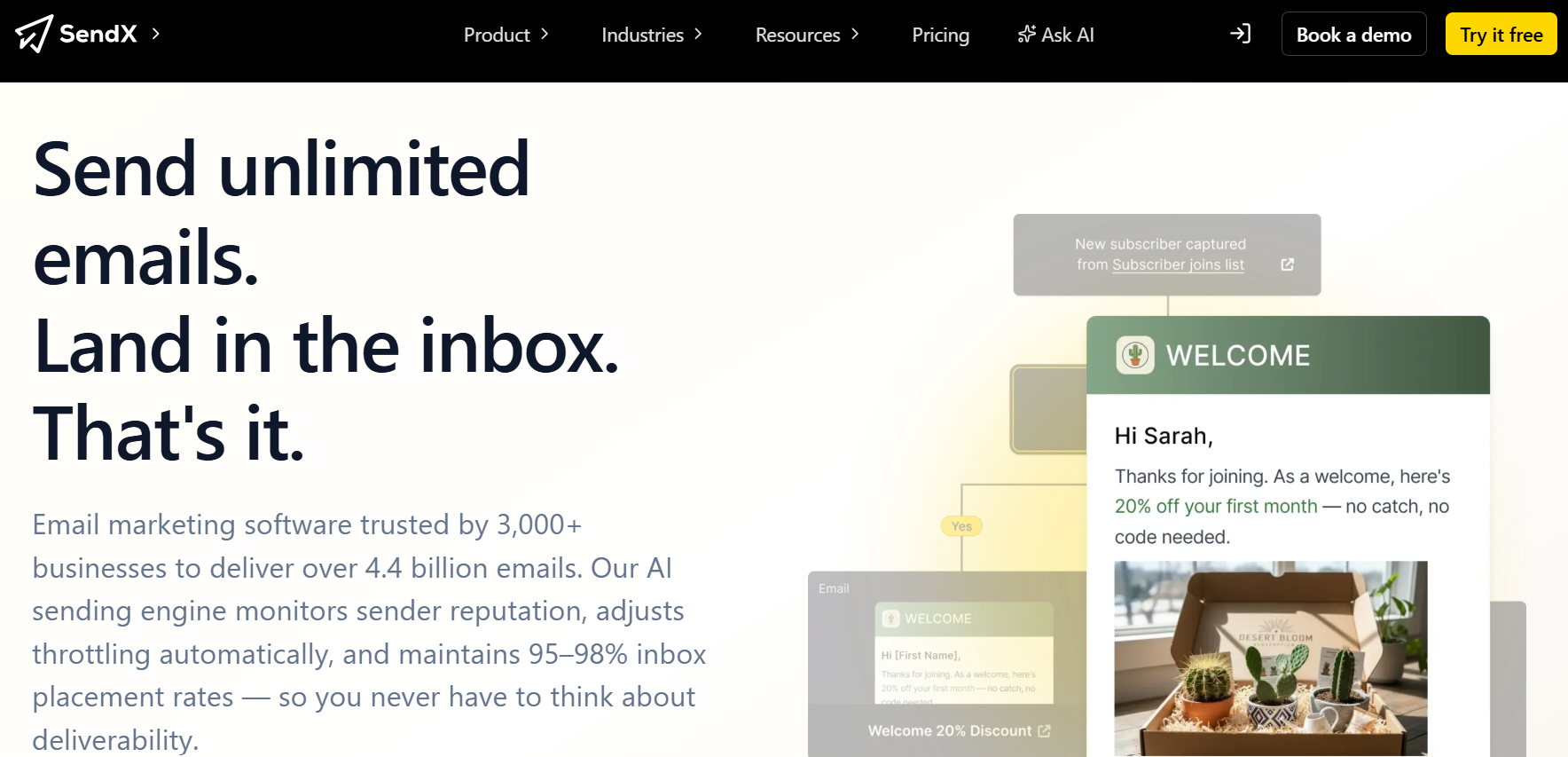
SendX focuses on the essentials: creating campaigns, automating follow-ups, and getting emails into subscribers' inboxes. The platform keeps things simple with a drag-and-drop builder, visual automation workflows, and audience segmentation tools that are easy to set up. For businesses sending regular newsletters, promotions, or ecommerce campaigns, it provides the core features without the learning curve of larger marketing platforms.
Key Features:
- Drag-and-drop email builder
- Visual workflow builder for automated drip campaigns
- A/B testing for email subject lines
- Email deliverability analytics
- Audience segmentation and email personalization
- Integrations with Shopify and Zapier
- Responsive email templates
Strengths: Strong deliverability tools, including send-time optimization; straightforward automation workflows; useful testing and reporting features for improving campaign performance.
Limitations: Fewer integrations than some larger competitors; template selection is more limited than dedicated enterprise email marketing platforms.
Pricing: Starts from $7.49/month for up to 1,000 subscribers.
Best for: Ecommerce businesses and small teams that send large volumes of marketing emails and want a simple, affordable platform.
4. Sales Automation Tools
Every manual handoff between your tools is a place where something gets dropped. These tools connect your stack so a form submission creates a CRM contact, a closed deal sends an invoice, and follow-up emails go out without anyone needing to remember. For a small team, that kind of automation frees up real time every single week.
Zapier — The glue of your entire stack
Zapier connects your apps and automates the handoffs between them. A new form submission creates a HubSpot contact and sends a Slack notification. A closed deal in Pipedrive triggers a welcome email and creates a Stripe invoice. That's the kind of work Zapier handles quietly in the background.
Key Features:
- 7,000+ app integrations
- Multi-step workflows with conditional logic
- No-code workflow builder
- Webhooks for custom integrations
- AI-powered automation builder for faster setup
- Tables and interfaces for lightweight data management
Strengths: Saves significant time on repetitive tasks; broad app ecosystem; easy enough for non-technical users; reliable and well-supported.
Limitations: Pricing increases with task volume; some integrations are limited to premium plans; relies on third-party APIs, so outages upstream affect your workflows.
Pricing: Free plan available; paid plans start from $19.99/month.
Best for: Any small business running multiple tools that need to work together automatically.
ActiveCampaign — Email automation with a CRM brain
ActiveCampaign is a marketing automation platform that takes sales seriously. It includes a built-in CRM, deal scoring, and pipeline automation. If you want your email nurture sequences to feed directly into a sales workflow, this keeps everything in one place.
Key Features:
- Visual automation builder with multi-step flows, triggers, and conditions
- Built-in CRM with deal scoring
- Generative AI assistance for email content
- Behavioral email triggers based on site activity
- Advanced segmentation and lead scoring
- Landing pages, SMS, and site messaging
Strengths: Exceptional depth and flexibility in automation; strong deliverability tools; comprehensive reporting and analytics.
Limitations: Steep learning curve; pricing complexity increases with contact list size and add-ons like SMS credits; limited native integrations compared to some competitors.
Pricing: Starts from $15/month.
Best for: Small businesses with both marketing and sales workflows that need to connect seamlessly.
Reply.io — Prospecting and outreach in one platform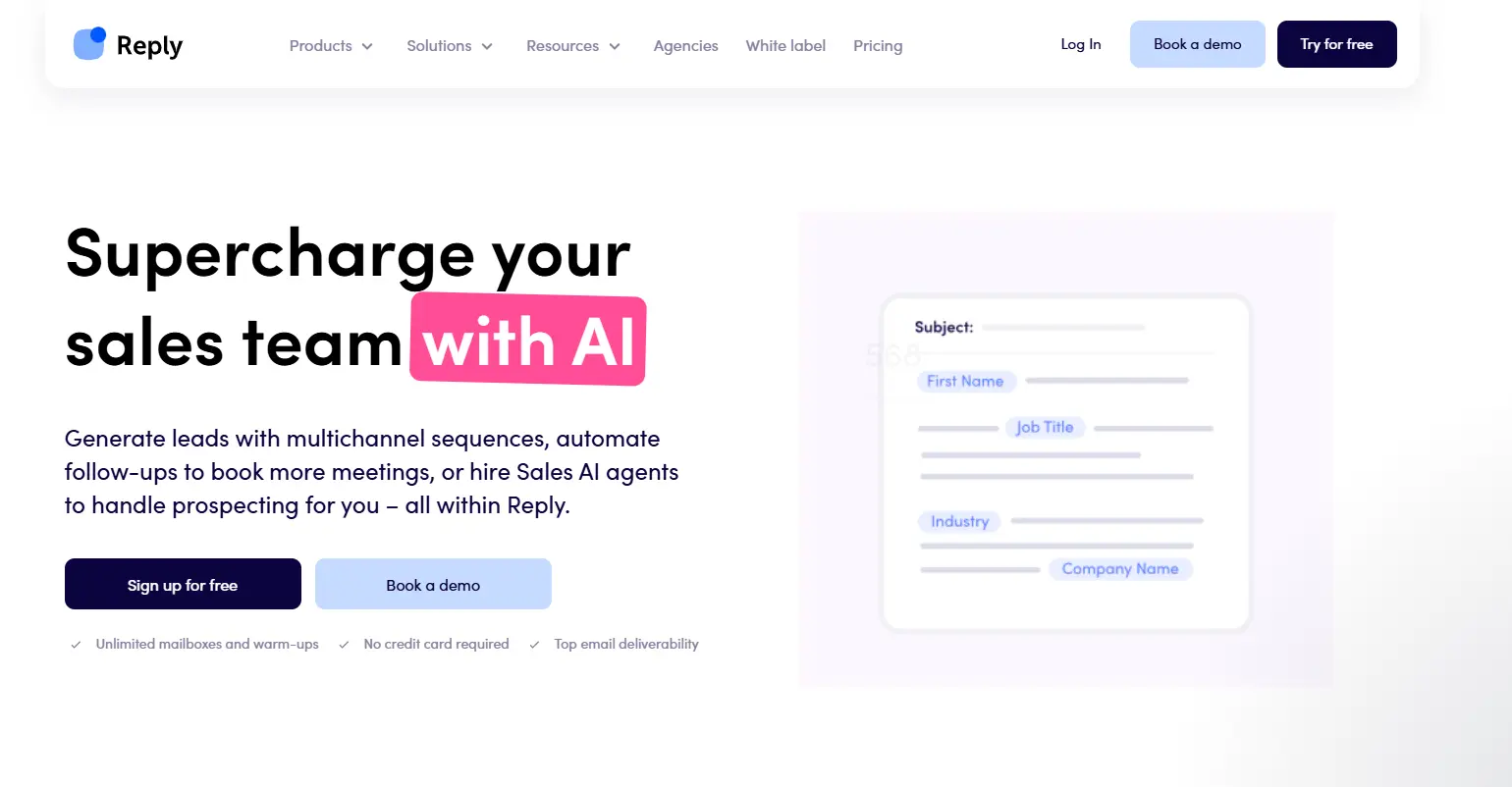 Reply.io combines lead generation and outreach, allowing teams to find prospects, enrich contact data, and launch multichannel campaigns from a single platform. It includes a large B2B database, buyer intent signals, email deliverability tools, and outreach sequences across email, LinkedIn, calls, SMS, and WhatsApp.Key Features:
- B2B database with over 1 billion prospects and companies
- Lead enrichment with validated emails and company data
- Buyer intent signals
- Multichannel outreach across email, LinkedIn, SMS, calls, and WhatsApp
- Jason AI sales agent for outreach automation
- Email deliverability tools and warm-up
- Campaign and team performance analytics
Strengths: Combines prospecting, enrichment, outreach, and deliverability tools in one platform; large database with buyer intent data.
Limitations: More feature-rich than teams looking for a simple outreach tool may need; setup can take time for new users.
Pricing: 14-day free trial available; paid plans start from $49/user/month.
Best for: Small and mid-sized sales teams that want lead generation and multichannel outreach in a single platform.
Reteno — Built for subscription apps that need better retention
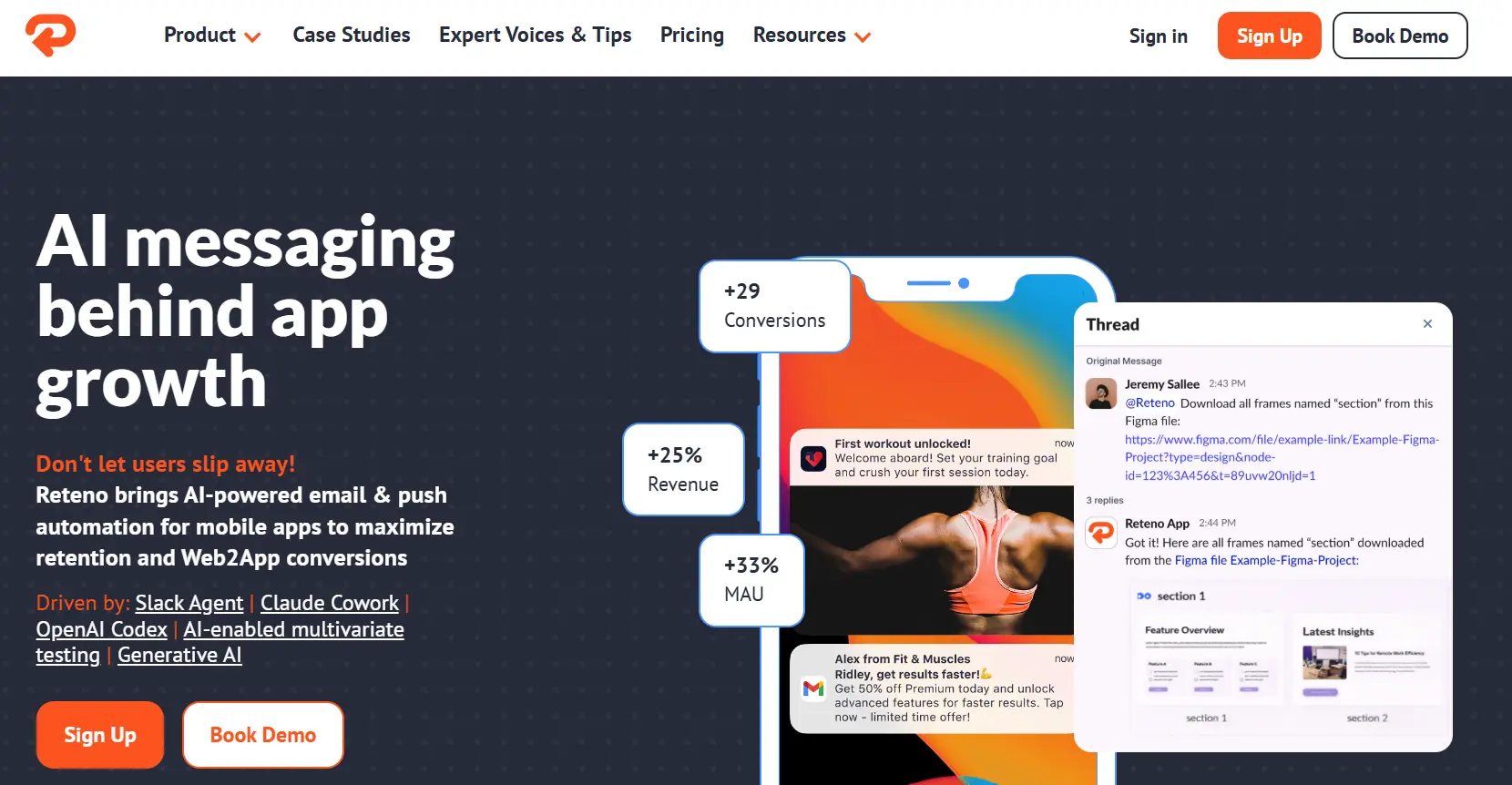
Reteno is a customer messaging platform designed for mobile apps that rely on subscriptions and recurring revenue. It helps teams communicate with users across multiple channels, including email, push notifications, in-app messages, SMS, and web push. The platform combines customer data, segmentation, and automation in one place, making it easier to engage users throughout the customer journey and reduce churn.
Key Features:
- Unified customer profiles with behavioral data
- Advanced audience segmentation
- Event-triggered automation workflows
- Email, push notifications, in-app messages, SMS, web push, and messenger campaigns
- AI-assisted content generation and testing
- Built-in campaign optimization tools
Strengths: Supports eight communication channels within a single workflow; strong segmentation and automation capabilities; includes industry-specific playbooks for subscription-based Health & Fitness and Education apps.
Limitations: Requires time and testing to get the most value from the platform; some advanced functionality may increase overall costs; personalization options are more developed for mobile apps than web experiences.
Pricing: Starts from $30/month.
Best for: Subscription-based mobile apps, particularly in Health & Fitness and Education, that want to improve retention, engagement, and trial-to-paid conversion rates.
5. Communication & Meeting Tools
Sales is still a people business, and how you show up on a call matters. These tools make it easier to book time with prospects, run clean meetings, and capture what was said so everything stays on track afterward.
Calendly — Stop the scheduling back-and-forth
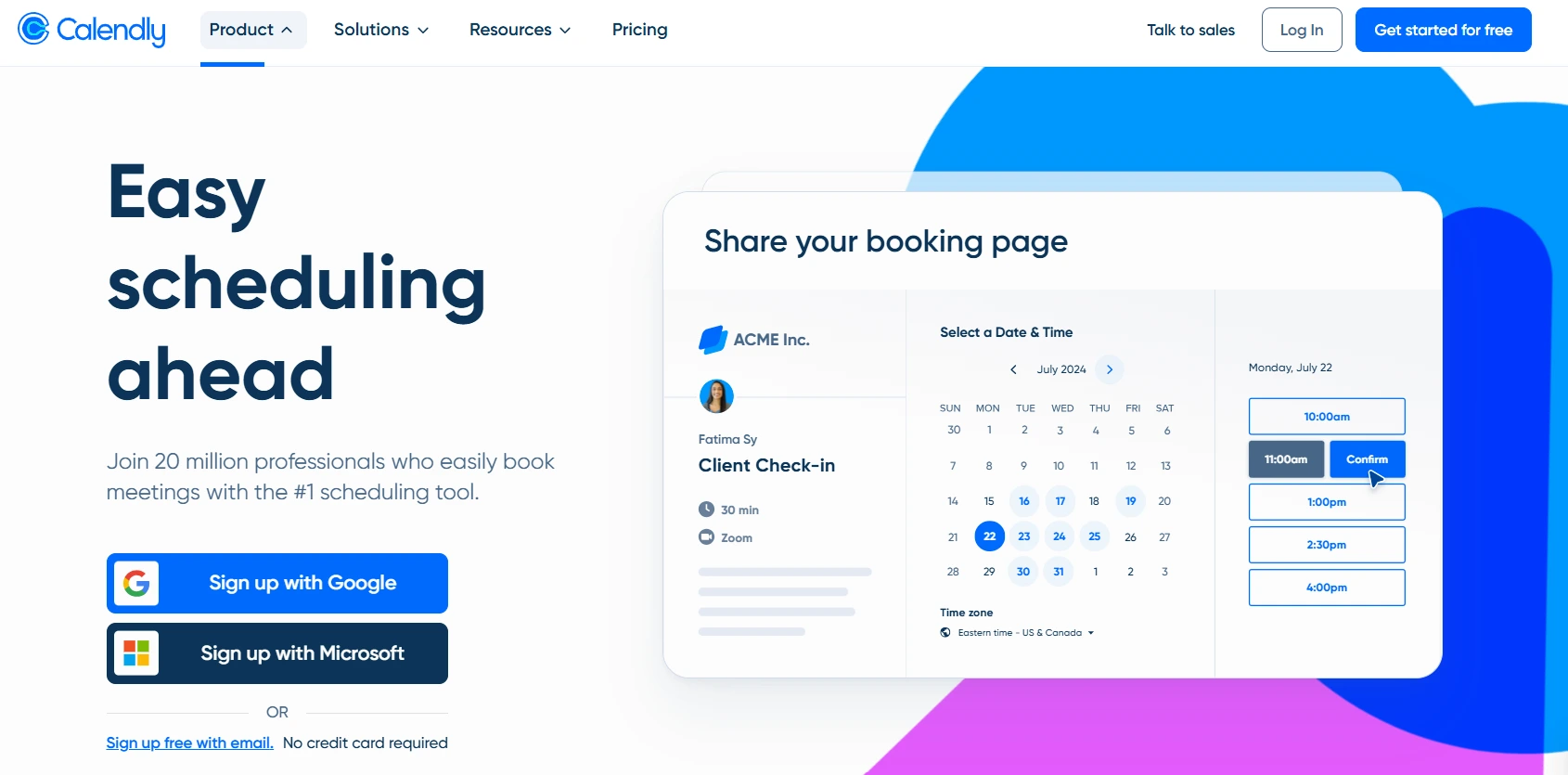
Scheduling a meeting shouldn't take five emails. Calendly eliminates that back-and-forth. Share a link, the prospect picks a time that works, and it lands in both calendars. The paid tiers add routing, team scheduling, and CRM integration that make it useful well beyond simple booking.
Key Features:
- Custom booking pages with availability rules
- One-on-one, round-robin, and collective meeting types
- Automated reminders and follow-ups
- Payment collection via Stripe and PayPal
- HubSpot, Mailchimp, and Salesforce CRM sync
- Routing forms to qualify and direct leads on higher tiers
Strengths: Easy to use for both sides; unlimited event types and multiple calendars on paid plans; strong CRM and payment integrations; 24/7 support.
Limitations: Free plan is limited to one event type and one connected calendar; advanced routing and admin controls require the Teams or Enterprise plan.
Pricing: Free plan available; paid plans start from $10/seat/month.
Best for: Any small business doing discovery calls, demos, or consultations.
Zoom — Still the default for sales calls
Zoom is where most sales conversations happen. The AI Companion features on paid plans now handle note-taking, meeting summaries, and action item extraction automatically. For small teams without a dedicated admin, that saves real time.
Key Features:
- HD video and audio for up to 100-1,000 participants depending on plan
- AI Companion for automated meeting notes and summaries
- Screen sharing, whiteboards, and breakout rooms
- Cloud recording with transcription
- Built-in scheduling on Business plans and above
- Webinar capability on higher tiers
Strengths: Universally recognized; reliable; scales well from solo use to large organizations; AI Companion and live transcription genuinely reduce admin on paid plans.
Limitations: Free plan caps group meetings at 40 minutes and has no cloud recording; paid plans are priced per host and add up for larger teams; webinars, large meeting capacity, and extra storage cost extra on top.
Pricing: Free plan available; paid plans start from $14.16/user/month.
Best for: Any team doing video calls, which means every team.
Fathom — AI meeting notes that actually save time
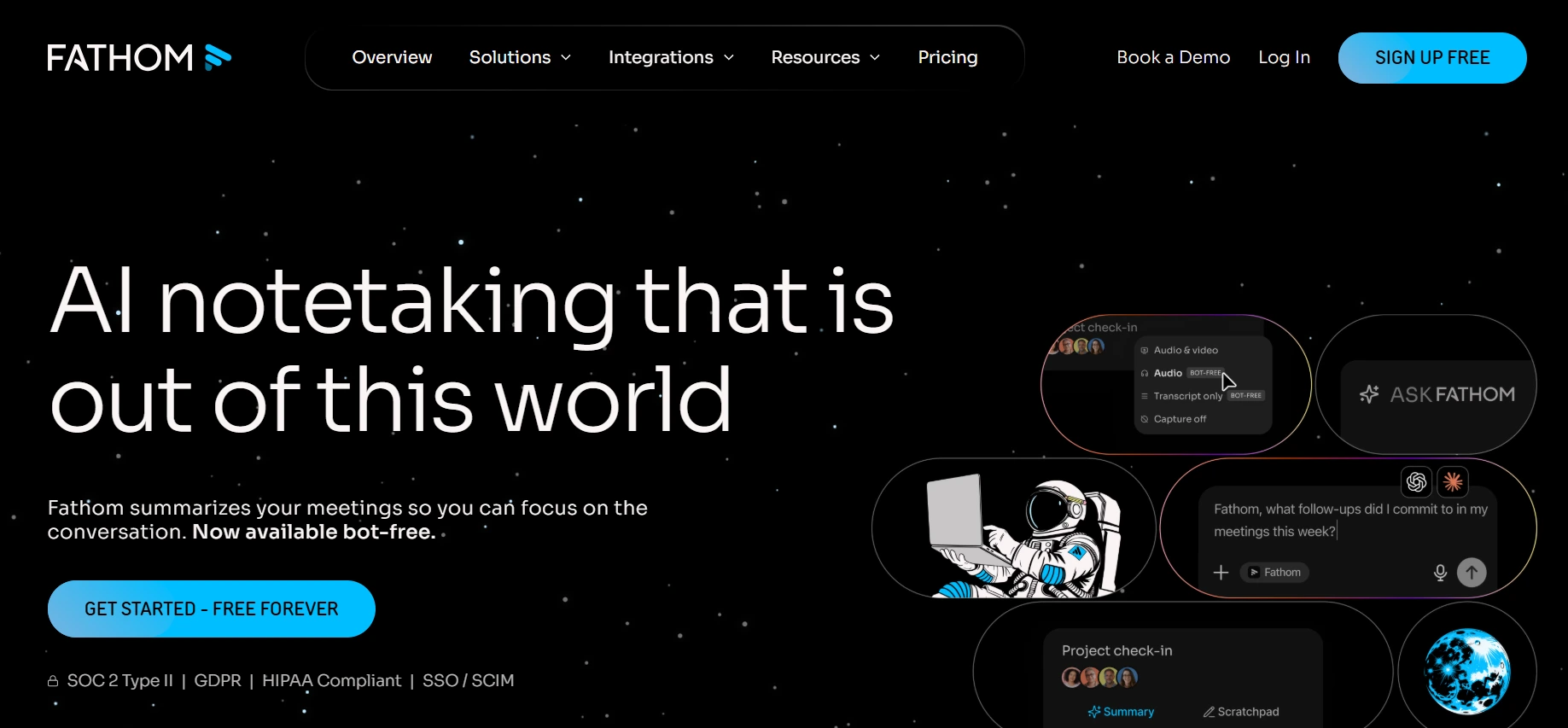
Fathom automatically records, transcribes, summarizes, and organizes your meetings so you can focus on the conversation instead of taking notes. It goes beyond basic transcription by identifying pain points, decisions, action items, and key discussion points, then syncing structured insights directly into Salesforce and HubSpot. For sales leaders, features like Deal View and AI Scorecards make it easier to monitor pipeline health and coach teams consistently.
Key Features :
- Instant AI meeting summaries with pain points, decisions, and action items
- Native CRM sync with Salesforce and HubSpot
- Deal View for real-time pipeline visibility
- AI Scorecards for scalable sales coaching
- Ask Fathom conversational search across past meetings
- Free forever plan with unlimited recordings and transcriptions
Strengths: Highest-rated AI notetaker on G2 with 6,000+ reviews and a 5.0/5 rating; pushes structured, CRM-ready data into Salesforce and HubSpot instead of dumping raw transcript text.
Limitations: No prospecting database or outbound capabilities, so it works best alongside a sales engagement platform; CRM integrations, collaboration features.
Pricing: Free plan available; paid plans start from $19/user/month.
Best for: Revenue teams that want enterprise-grade meeting intelligence, coaching insights, and CRM-ready data.
6. Proposal & Payment Tools
A good sales conversation can still stall between the verbal yes and the signed contract. Proposal automation can make that process easier by helping teams create and send polished proposals, collect signatures, and move deals forward without chasing anyone over email. The faster that process moves, the better your chances of keeping the momentum alive.
PandaDoc — Proposals that close faster
PandaDoc replaces the PDF-email-signature-email loop with a cleaner document flow. You create the proposal, the client gets a link, they review and sign in the browser, and you get notified when they open it. It also tracks how long they spent on each section, which tells you a lot about where hesitation lives.
Key Features :
- Drag-and-drop proposal builder with templates and custom branding
- E-signature built in with approval workflows and version control
- Document analytics showing opens and time spent per section
- Content library for reusable blocks and pricing tables
- CRM integration with HubSpot, Salesforce, and Pipedrive
- Payment collection via Stripe and PayPal; CPQ module for quotes on Enterprise
Strengths: Solid document automation for proposals, quotes, and contracts; custom branding; strong CRM and payment integrations; unlimited documents on paid plans.
Limitations: Free plan limits you to five documents per month; API access, advanced integrations, and bulk sending are add-ons that increase the cost; can feel like more than you need for simple e-signing.
Pricing: Free plan available; paid plans start from $19/user/month.
Best for: Service businesses, agencies, and consultants sending regular proposals.
HoneyBook — All-in-one for service businesses
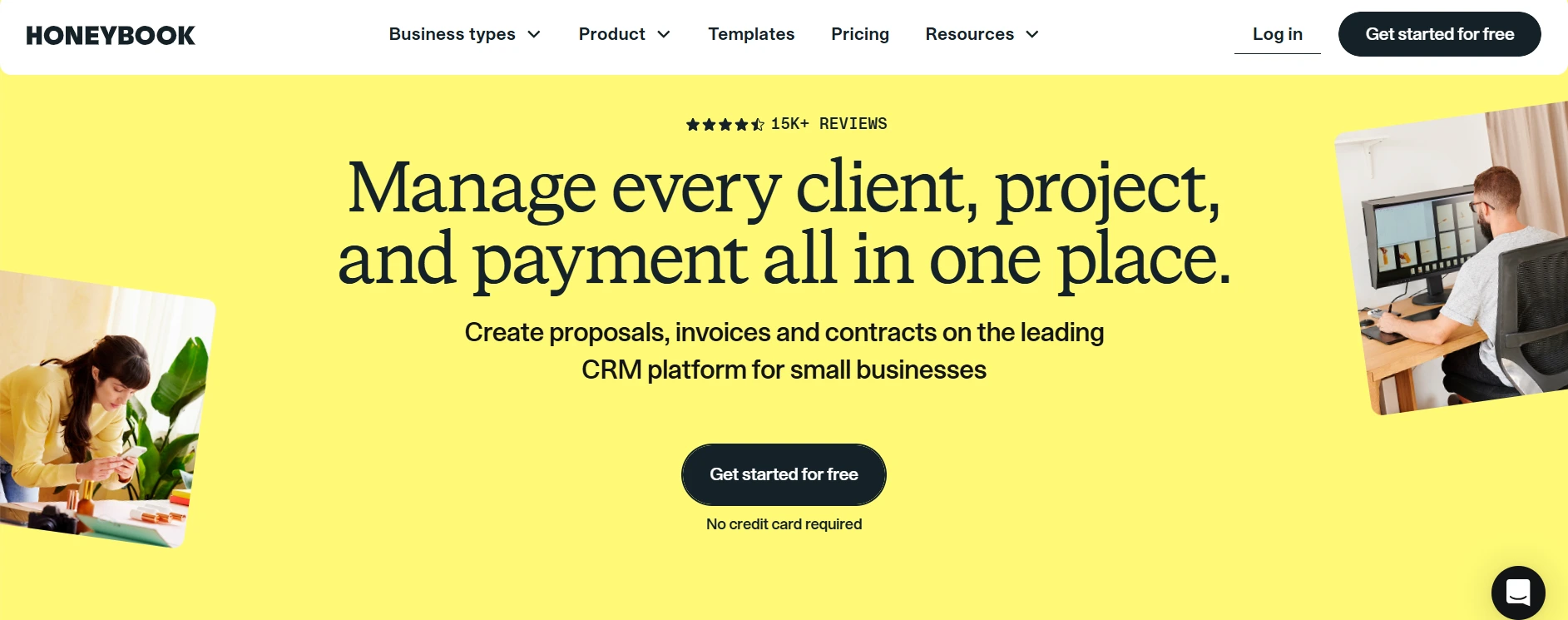
HoneyBook is built specifically for freelancers and small service businesses. It brings together project pipelines, invoicing, payments, contracts, proposals, scheduling, and a client portal in one place. Photographers, designers, coaches, consultants -- if you're selling a service and need all of that without stitching tools together, HoneyBook handles it.
Key Features :
- Client portal with project visibility
- Contracts, invoices, and proposals on one platform
- Online payment processing (cards, ACH, and Amex)
- Scheduling and booking integration
- Workflow automation for client onboarding with AI assistance
- Mobile app for managing clients on the go
Strengths: Polished all-in-one workflow for service businesses; unlimited clients and projects; AI features help automate repetitive onboarding steps; built-in payment processing and scheduling.
Limitations: Pricing increased significantly in February 2025. Transaction fees apply: 2.9% + $0.25 for cards, 3.4% + $0.09 for Amex, and 1.5% for ACH. Only available in the US and Canada. Migrating from other systems takes effort.
Pricing: Starts from $29/month.
Best for: Freelancers, creatives, and solo service providers.
Stripe — The payment layer everything plugs into
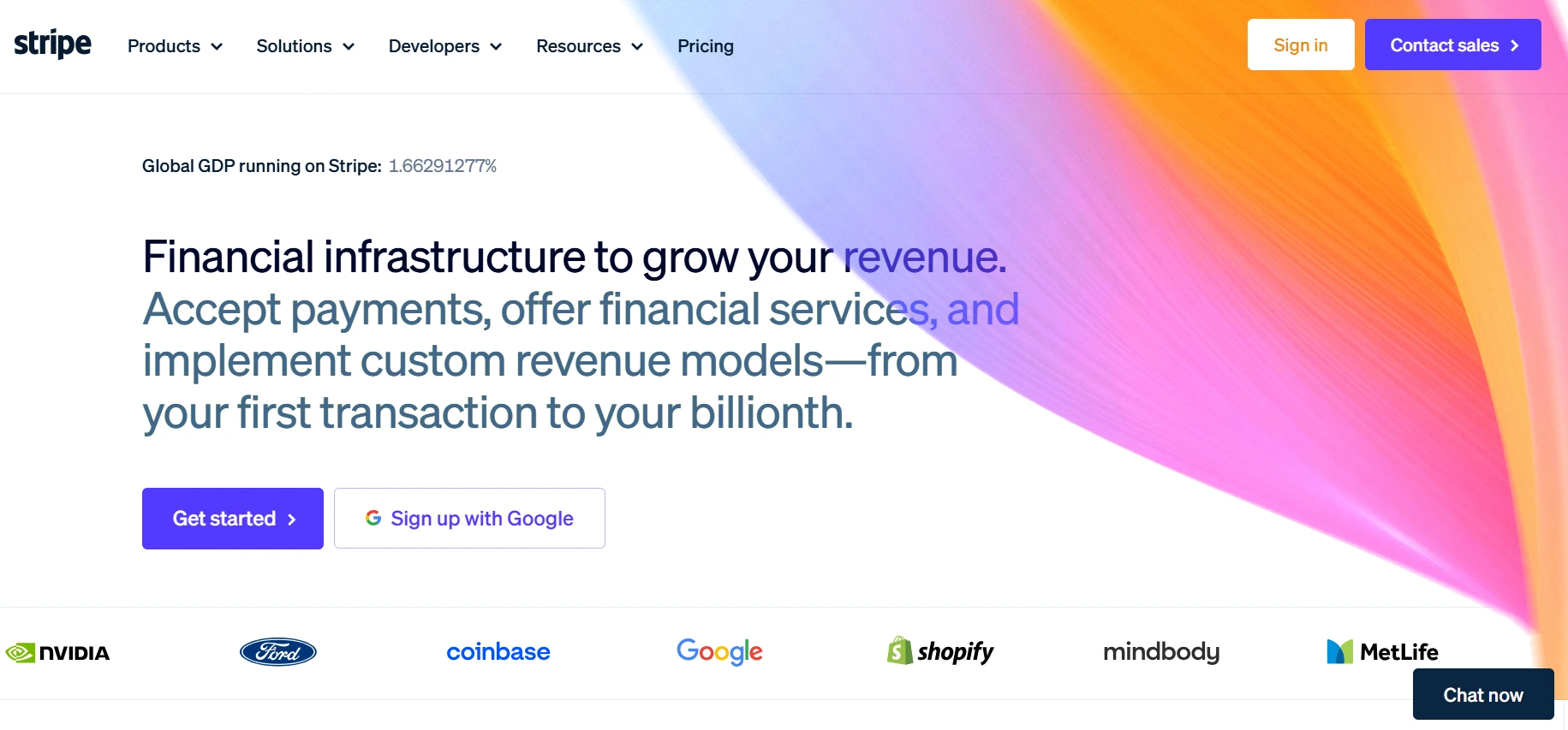
Stripe handles the payment side of your business. It covers one-time payments, subscriptions, invoicing, and a growing set of finance operations in a single account. Every deal eventually comes down to collecting money, and Stripe makes that part reliable.
Key Features :
- Online payments in 135+ currencies with Apple Pay and Google Pay support
- Subscription and recurring billing management
- Invoicing with automatic reminders
- Payment links for frictionless checkout
- Mobile and in-person payments
- Detailed revenue analytics
Strengths: Highly flexible API; supports 135+ currencies and payment methods; no monthly fees; clear billing; flat-rate pricing with no PCI or termination fees. Limitations: Requires technical setup for advanced use cases; phone and email support is limited; payouts can take up to two business days; POS hardware options are limited compared to dedicated in-person payment providers.
Pricing: No monthly fee; transaction fees start from 2.9% + $0.30 per online transaction.
Best for: Any business collecting money online, whether subscription, one-time, or invoice-based.
7. Customer Success Tools
Closing the deal is step one. Keeping the customer long enough to grow the account is where most of the revenue actually comes from. These tools help you stay responsive, answer questions before they turn into frustrations, and give customers a reason to stay and refer others.
Intercom — Conversations that drive retention
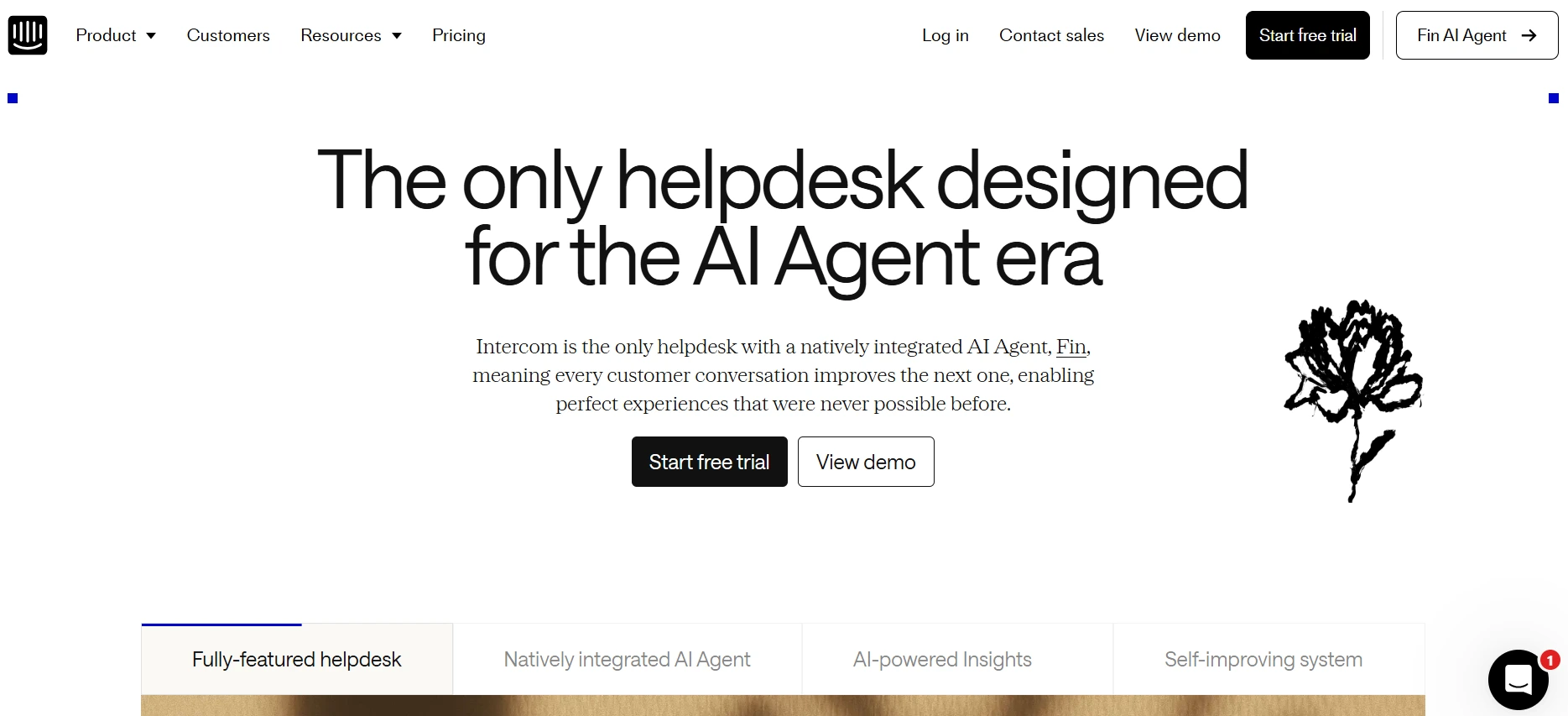
Intercom is a customer communication platform that handles support, onboarding, engagement, and proactive outreach. For SaaS businesses or any subscription model, it's a direct line between your product and your customers.
Key Features :
- Shared inbox with chat and email
- Branded messenger and help center
- Automation workflows and advanced ticketing
- Fin AI agent for handling common questions
- Proactive outreach based on user behavior Integrations with WhatsApp, Slack, Salesforce, HubSpot, and more
Strengths: Polished chat interface; strong AI with Fin handling FAQs effectively; highly configurable workflows; supports email, chat, SMS, and social from one platform.
Limitations: Pricing is complex. The base seat cost is just the start. Fin AI Agent is billed at $0.99 per resolution. Fin Copilot adds $35/seat/month. Email, SMS, and WhatsApp channels carry additional per-send charges. Costs can climb quickly for small teams.
Pricing: Starts from $39/seat/month.
Best for: SaaS businesses and subscription products that want proactive customer engagement and can plan around usage-based pricing.
Help Scout — Support with a human face
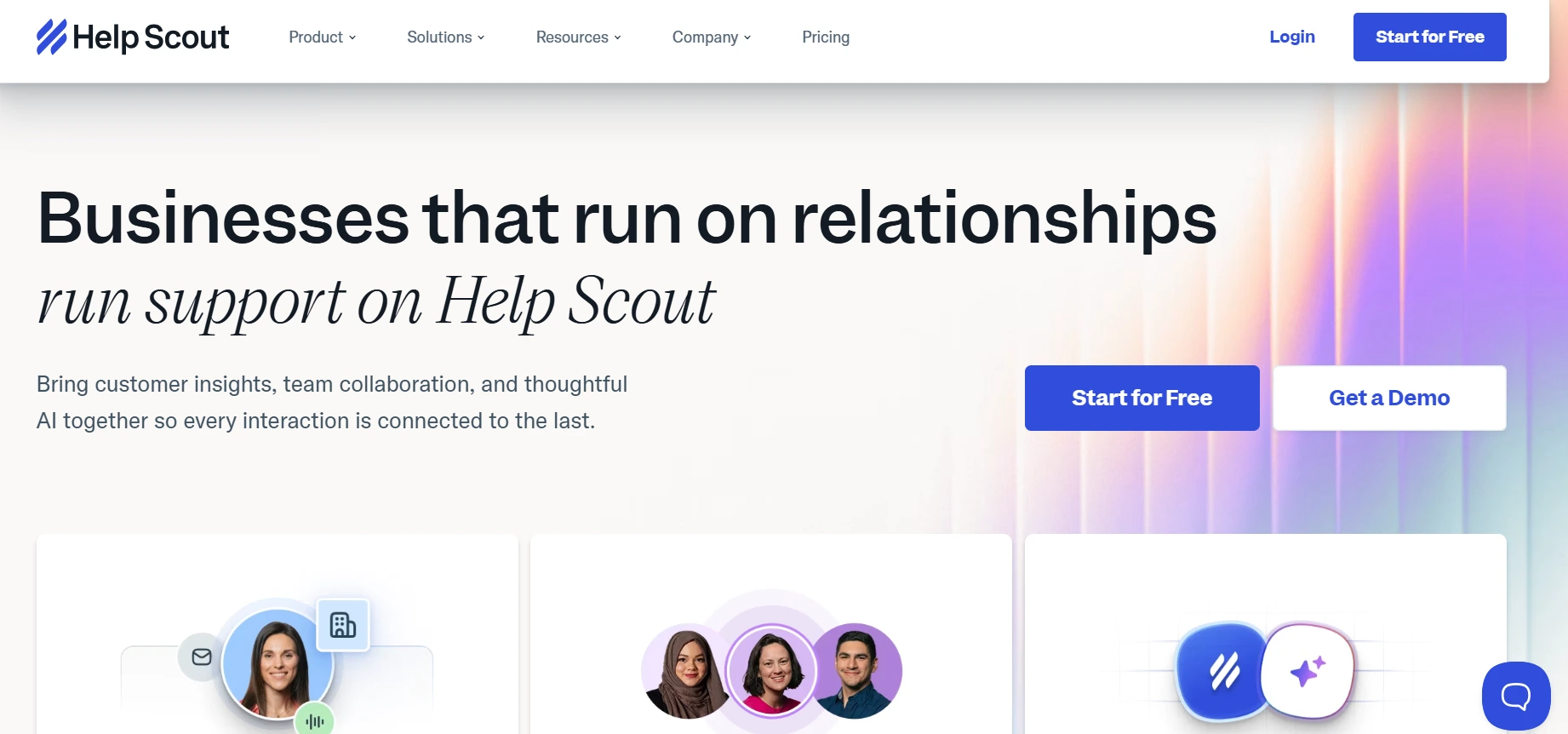
Help Scout is for small businesses that care deeply about customer experience but don't need the full enterprise support stack. Shared inboxes, customer history, saved replies, and a knowledge base, all without making customers feel like they're talking to a ticket queue.
Key Features:
- Shared inbox for team email management (2 inboxes on Standard)
- Customer conversation history
- Docs knowledge base builder
- AI draft generation and auto-summaries
- Live chat and phone integration via Aircall
- Integrations with Salesforce, Jira, HubSpot, and Shopify
Strengths: Clean, human-centric interface that requires minimal training; strong knowledge base integration; new AI features reduce repetitive writing; straightforward per-user pricing.
Limitations: Reporting depth is limited; social and SMS support is not native; Standard plan only allows two shared inboxes, so growing teams will need to upgrade sooner than expected.
Pricing: Starts from $30/user/month.
Best for: Small support teams that want to keep email feeling personal without losing efficiency.
SleekFlow — AI-powered conversations across messaging channels
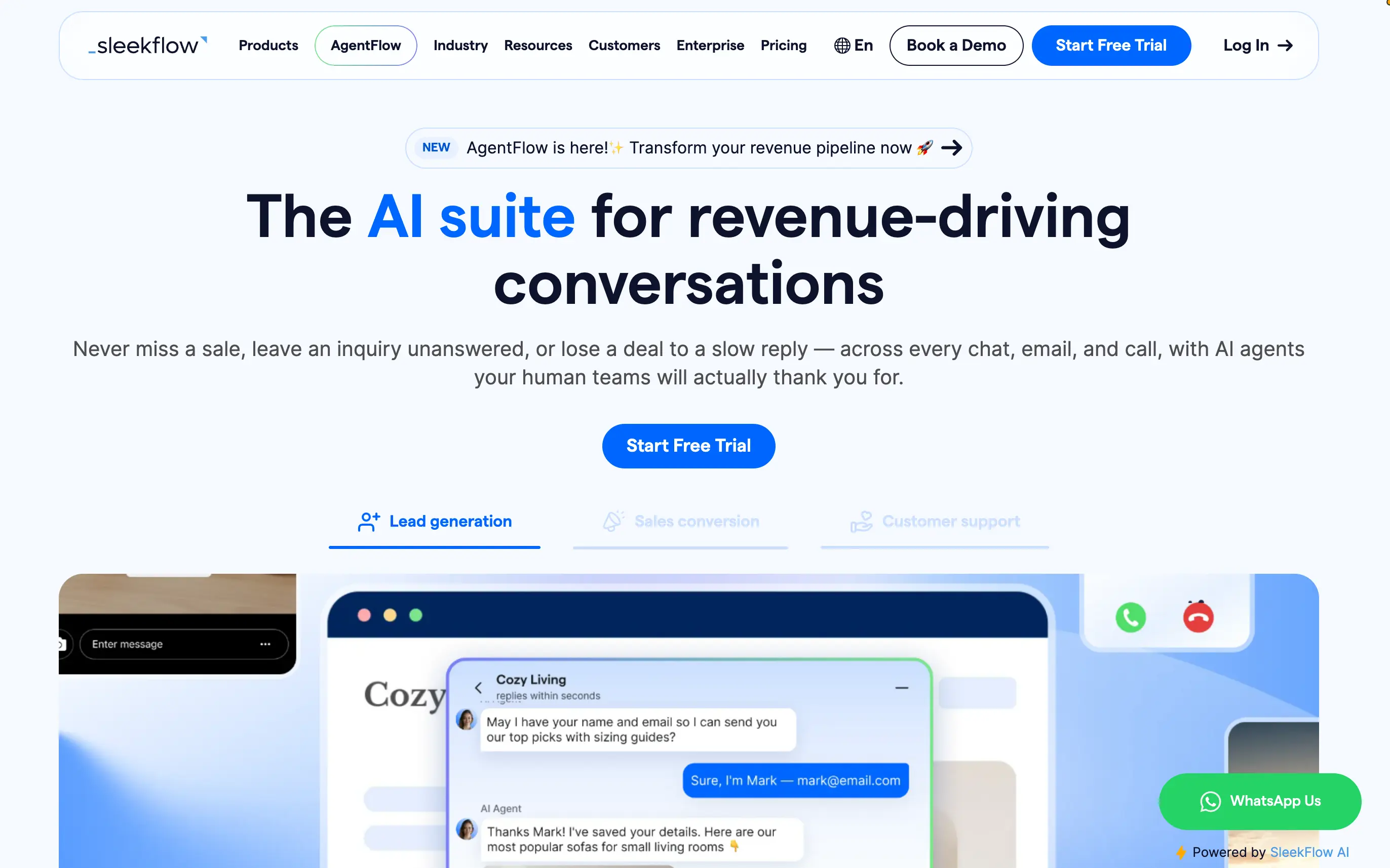
SleekFlow is an AI-powered customer conversation platform for B2C teams managing sales and support across WhatsApp, Instagram, Messenger, SMS, TikTok, and other channels. SleekFlow brings conversations into a shared inbox, where AI agents and human teams can work together with customer context in one place.
Key Features:
- Unified inbox for customer conversations across messaging channels
- AI agents for FAQs, lead qualification, routing, and customer support
- Human handoff with conversation history and AI-generated summaries
- Customer profiles with conversation and purchase context
- Automated workflows for follow-ups and recurring customer interactions
- Integrations with HubSpot, Salesforce, Shopify, Google Sheets, and other business tools
Strengths: Strong fit for messaging-first B2C teams; combines AI agents with human support in the same conversation workflow; centralizes customer context across channels; useful for both sales and post-purchase conversations.
Limitations: Businesses that rely mainly on traditional ticket-based email support may find a conventional help desk more closely aligned with their workflow.
Best for: B2C businesses that manage customer success, sales, and support through WhatsApp and other messaging channels.
Zendesk — Enterprise support that scales down
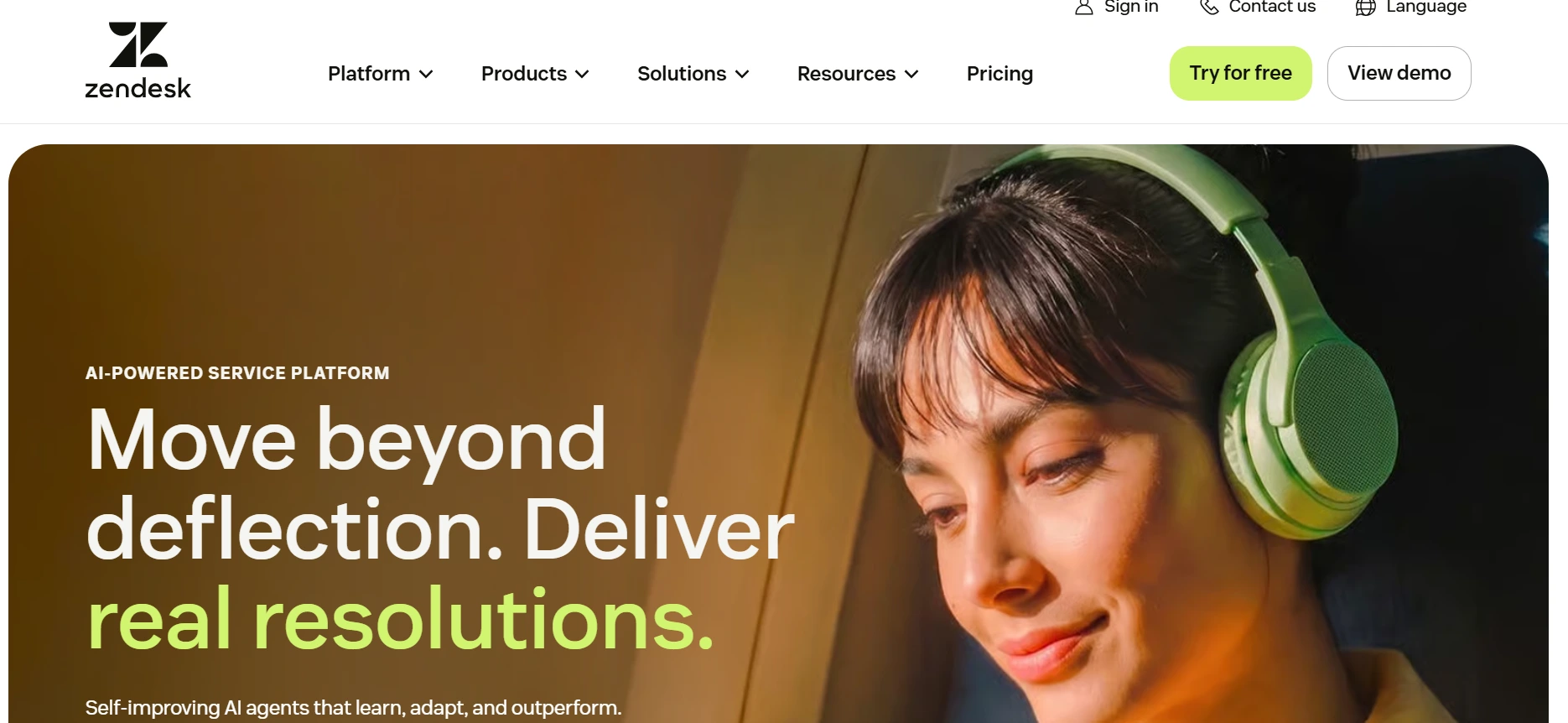
Zendesk is the big name in customer support. It's more powerful than most small businesses will ever need, but the Suite Team tier is accessible for growing teams that expect real support volume or need solid reporting to manage service quality.
Key Features :
- Omnichannel support across email, chat, phone, and social
- Ticket management with automation and routing
- AI answer bot and AI agent (billed per resolution)
- Customer satisfaction surveys
- Community forums and help center
- 1,000+ integrations
Strengths: Mature ticketing system; robust app and integration ecosystem; advanced routing and automation options; scales from small teams to large enterprises without switching platforms.
Limitations: The base Support Team plan at $19/agent/month offers limited features. Meaningful functionality like the knowledge base, live chat, and AI agent requires Suite Team at $55/agent/month or higher. The AI agent is billed per resolution on top of the seat cost. Interface can feel clunky, and deep customization requires technical skills.
Pricing: Starts from $19/agent/month.
Best for: Growing businesses expecting high support volume or managing multiple support channels.
How to Choose the Right Sales Tools for Your Business
The right answer depends entirely on where your business actually is right now.
If You're a Solo Founder
Keep it simple. You need a CRM (start with HubSpot free), a way to book meetings (Calendly free), and something to collect payments (Stripe). Don't add prospecting tools until you've validated your outreach manually. Don't buy automation until you have something worth automating.
If You're Running a Small Agency
You're juggling client work and business development at the same time, which means dropped leads hurt you directly. Focus on a CRM that handles pipeline, a proposal tool like PandaDoc or HoneyBook, and a scheduling tool. Add Lemlist or VitaMail if you're doing outbound. HoneyBook covers nearly all of this if your work is project-based.
If You Have a Dedicated Sales Team
Now it makes sense to think in systems. You need a proper CRM like HubSpot or Pipedrive, a prospecting tool like Apollo, and an outreach platform. An automation layer connecting them saves significant time. Aircall and Zoom handle communication. Calendly routing makes sure leads get to the right rep quickly.
If You Want an All-in-One Platform
HubSpot is the honest answer for most small businesses. It covers CRM, marketing, meetings, and sequences from one dashboard. The free tier is genuinely strong. The main risk is outgrowing the free plan quickly and facing a pricing jump, so go in with clear expectations.
Common Mistakes When Choosing Sales Software
Picking the wrong sales tool is easy to do and slow to fix. These are the patterns that trip up small businesses most often, and what to do instead.
Buying Too Many Tools Too Early
Every tool solves a real problem, and every demo looks clean. But a stack of seven tools you barely use is worse than two tools you've mastered. Start with the bottleneck that's costing you the most revenue right now. Fix that. Then add.
Choosing Enterprise Software Before You Need It
Salesforce is a great product. So is Zendesk Enterprise. Neither was built for a five-person team. Treating them like they were creates more admin than they remove.
Ignoring Team Adoption
A tool nobody uses is a tool that cost money for nothing. Capterra's 2025 research found that small businesses are significantly more likely than enterprises to regret software purchases due to poor adoption. Before you buy, ask whether your team will actually use it daily and whether the learning curve is worth the investment.
Focusing Only on Price
The cheapest option isn't always the most affordable one. A $10/month tool that saves you two hours a week is worth more than a free tool that saves you nothing. Calculate the time cost of not having a tool, not just the subscription cost of having one.
Overlooking Integrations A tool that doesn't connect to the rest of your stack creates manual work. Before committing to anything, check whether it integrates natively with your CRM and your email. If it doesn't, you're either bridging it with Zapier or re-entering data by hand. Neither is a good use of your time.
Conclusion
Building a sales stack for a small business comes down to knowing where your biggest gap is right now. Pick the tool that closes that gap, learn it well, and add the next one when you actually need it. The businesses that grow fastest with fewer tools are the ones that use what they have to its full potential.

