




Agencies scale best when they invest in the right agency tools that support outreach, delivery, communication, and reporting. That’s the core of it.
What many teams miss? Growth doesn’t just add clients. It adds complexity. More people, more channels, more things to track. The system that worked for five clients won’t survive fifteen. At twenty, you’re constantly behind.
Good tools reduce risk. They save time. They show you what’s happening. When systems lag, scaling fails. We’ve seen it over and over.
Below, we'll group marketing agency tools by use case. Each category supports a specific stage of scaling. Some prevent messes. Others clean them up. You’ll probably need both.
Let's start with where most agencies should invest first.
Key Takeaways:
- Scaling an agency creates complexity, so growth depends on having clear systems for delivery, communication, and tracking.
- As client volume grows, gaps in delivery and reporting become visible, which is why categories like project management (e.g., Teamwork) and reporting tools (e.g., AgencyAnalytics) matter.
- Outreach can limit growth, since poor list quality and high bounce rates damage sender reputation, even when tools like VitaMail are in place.
- Different tool categories support different stages, from SEO tools (e.g., Semrush) to automation and reporting, helping teams stay organized as they scale.
- Agencies that scale well build their systems step by step, reducing manual work and keeping quality consistent.
How to Scale an Agency in 2026: Where Should You Invest First?
Start with systems that make growth sustainable. Without them, every new client just adds stress.
Agencies fail when leads turn into chaos, missed updates,poor delivery, and no way to track.
With 5 or 6 clients, you can keep things in your head. A few spreadsheets. A group chat.. At 15 or 20 clients, things break. You lose visibility. Reporting takes too long. Quality slips.
And, that’s systems problem. So, where should you invest first?
- Client delivery & internal operations. If updates live in inboxes and tasks are scattered, deadlines get missed. Clients feel it.
- Outreach & lead quality. Before you scale volume, fix deliverability. High bounce rates damage your sender domain and reputation.
- SEO & visibility. If you don’t track what’s working, you can’t double down.
- Automation & collaboration. Tool overload slows teams down. Automate handoffs. Connect your stack to reduce friction.
- Analytics & reporting. Clients expect results. You need clear data to show them fast.
In a popular Reddit thread on scaling, one founder asked where to invest for the best ROI. Answers poured in:
“Scaling feels risky when results aren’t clearly measurable.”
Another Reddit user said:
“Most people overfocus on acquisition. That’s the easy part. Paid outreach should be the last thing you do.”
Across responses, agency leaders stressed that systems are what drive scale.
That’s why we group the tools by the role they play in making growth manageable.
What Tools Do Agencies Rely on for Daily Operations?
Agencies stick with tools that make daily work easier.
Think about your real day: messaging clients, sending updates, chasing approvals, following up on outreach. None of it feels flashy. But it’s where the hours go.
No single tool fixes all of it. Anyone who says otherwise is selling you something.
Agencies build their stacks across functions. Some tools prevent things from slipping. Others make work visible. Together, they keep your delivery stable as you scale.
This guide breaks agency tools into six key categories:
- All-in-One Agency Management
- Outreach & Cold Emailing
- SEO Tools for Agencies
- AI & Automation Tools
- Communication & Productivity
- Analytics & Reporting
This is a breakdown by purpose what solves real problems at different stages.
We’ll start with the one that keeps operations from turning into chaos: all-in-one agency management.
1. All-in-One Agency Management Tools
These stop growth from turning into chaos. They handle handoffs, approvals, and client visibility in one place.
Agency Handy — Built for Client Delivery

Agency Handy is a client portal and project management platform made for growing agencies. Clients get a clean, branded view of what’s happening, tasks, feedback, billing, all in one place.
Key Features:
- White-labeled client portal with branding and custom domain
- Kanban-style project views with tasks and deadlines
- Built-in client approvals and feedback
- Team time tracking
- Invoicing via Stripe or PayPal
- Service catalog with auto-project setup
- Subscription billing for retainers
- File sharing and centralized communication
Strengths:
- Combines 5+ tools into one dashboard
- Simple, agency-focused setup
- Improves client experience
Limitations:
- No mobile apps yet
- Limited for complex workflows
- Better suited to smaller teams
Pricing: Starts around $29/month. Scales affordably by team size.
Best For: Small and mid-sized agencies offering productized services or recurring delivery.
Productive — Profitability-Focused Ops Hub

Productive helps agencies connect project delivery, time tracking, scheduling, and finance, all in one PSA platform. It’s built for teams that care about margins as much as deadlines.
Key Features:
- Sales CRM and pipeline
- Scheduling and capacity planning
- Task management with Kanban and Gantt views
- Time tracking with cost insights
- Profitability reports by project/client
- Forecasting and revenue planning
- Built-in invoicing and accounting integrations
- 50+ reporting templates
Strengths:
- Live profit tracking per client/project
- Full visibility from pipeline to delivery
- Prevents revenue leakage
Limitations:
- Takes time to set up properly
- CRM features are basic
- Learning curve for smaller teams
Pricing: Starts around $11/user/month. Scales by team and usage.
Best For: Mid-sized agencies that bill by time or need detailed margin visibility.
Teamwork — Project Management That Includes Clients

Teamwork makes it easy to track internal tasks while keeping clients in the loop. With built-in time tracking and workload planning, it’s ideal for managing service delivery without adding complexity.
Key Features:
- Projects with multiple views (list, board, Gantt)
- Built-in time tracking and billable rates
- Workload planning by person or role
- Client logins with limited permissions
- File sharing, comments, notifications
- Reports by client, project, or team
- Templates for recurring workflows
- Integrations with Slack, Drive, and more
Strengths:
- Built-in client visibility
- Good balance of structure and flexibility
- Proven reliability at scale
Limitations:
- UI feels a bit dated
- Onboarding can be heavy for some teams
- Reporting is less white-label friendly
Pricing: Free plan available. Paid starts at $5.99/user/month.
Best For: Agencies managing digital, creative, or dev projects, especially those who bill by hour or need client-facing collaboration.
2. Outreach & Cold Emailing Tools
This category matters because list quality and domain health become real bottlenecks when you scale outreach. A single campaign with too many bounces can hurt your sender reputation for months.
VitaMail — Create, Prepare, and Launch Email Outreach from One Platform
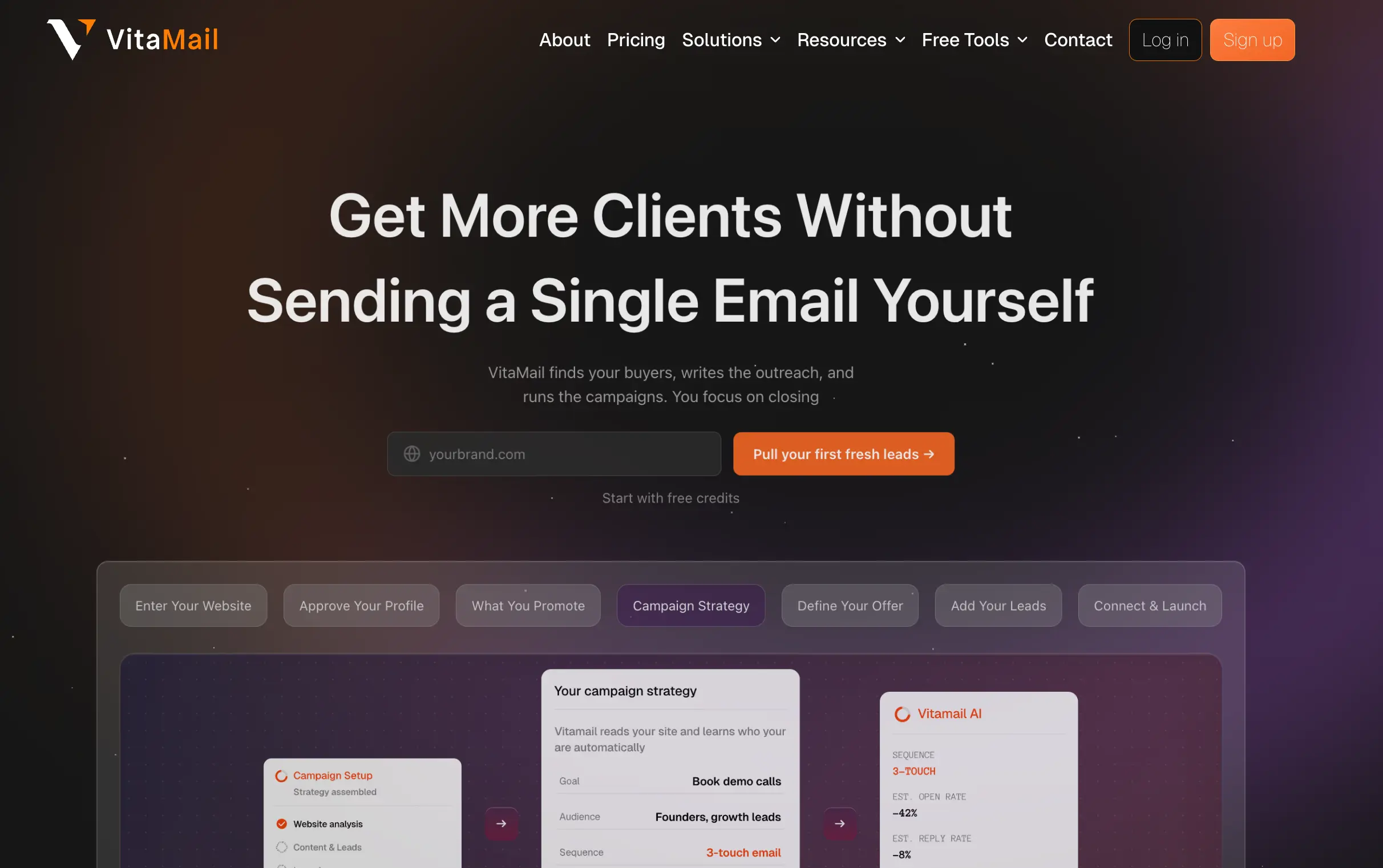
VitaMail helps agencies create and manage email outreach from one platform. It verifies email lists, flags risky addresses, monitors domain health, prepares inboxes with warm-up, and helps teams create and launch campaigns with AI-powered subject lines and email content. Instead of relying on multiple tools, agencies can manage the entire outreach workflow from a single workspace.
Key Features:
- AI-assisted campaign creation
- AI-generated subject lines and email content
- Bulk and single email verification
- Domain Health monitoring with Domain Doctor guidance
- Inbox warm-up for Gmail and Outlook
- Multi-inbox campaign management
- Contact, List, and Workspace management
- Flexible Free, Pay-Per-Use, Subscription, and Enterprise plans
- 1,000 free credits for new users
Strengths:
- Combines campaign creation, verification, warm-up, and outreach in one platform
- Helps improve sender reputation before campaigns begin
- Flexible pricing for occasional and high-volume outreach
Limitations:
- Some advanced enterprise workflows are still expanding
- Native third-party integrations continue to grow
Pricing: Free plan available. Pay-Per-Use starts at $10, with Business and Enterprise subscription plans available.
Best For: Agencies running cold email at scale that want to create campaigns, prepare inboxes, and manage outreach from one platform.
HeyReach — LinkedIn Automation Platform Built for Agencies
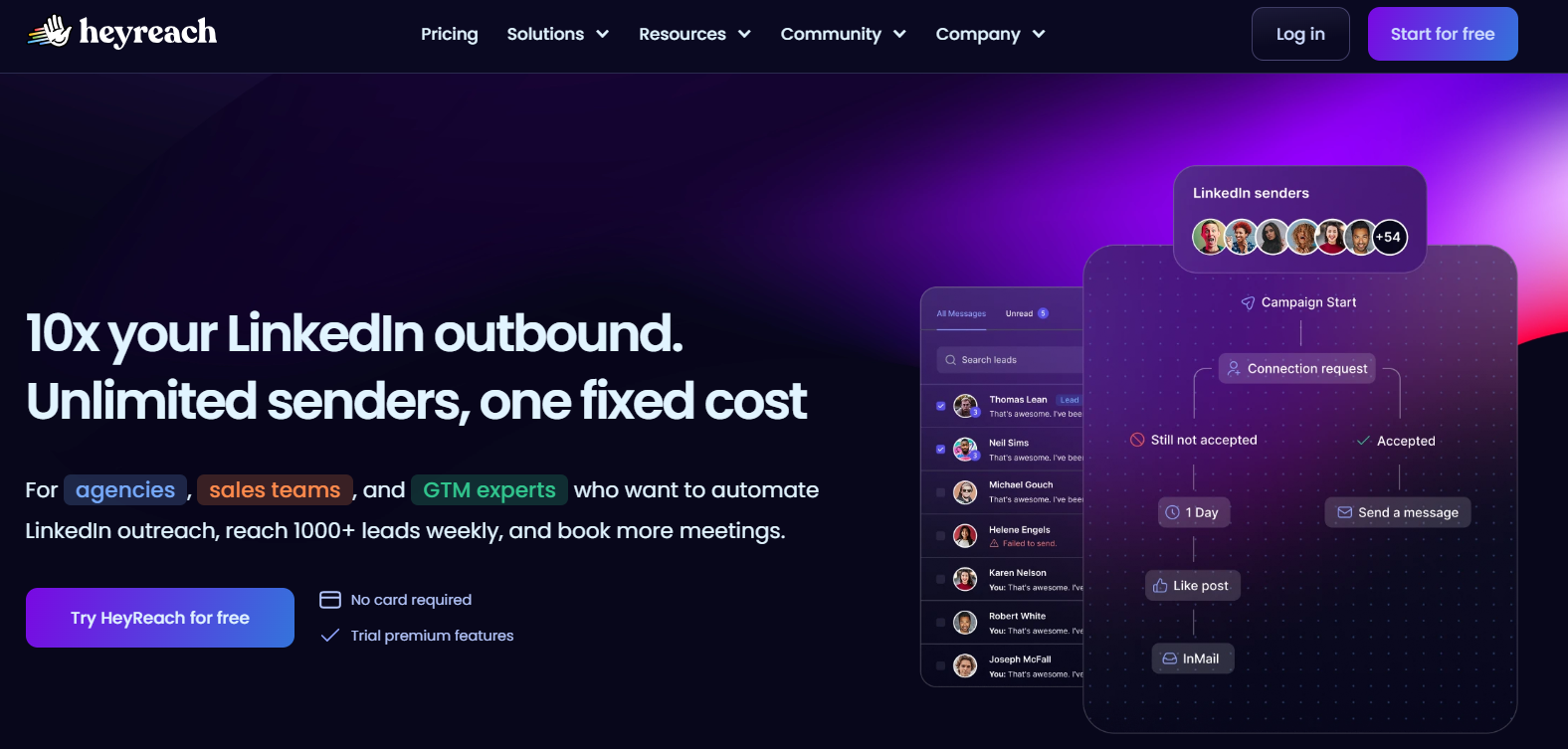
HeyReach is a LinkedIn automation platform built for agencies and outbound sales teams that need to scale outreach across multiple LinkedIn accounts safely. The platform uses “sender rotation” to distribute campaigns across connected profiles while maintaining human-like activity patterns to reduce detection risks. It also includes a centralized “Unibox” for managing conversations from all connected accounts, plus sub-accounts, team permissions, white-labeling, and MCP Server integration for AI workflows with tools like Claude.
Key Features:
- Sender rotation for high-volume LinkedIn outreach
- Unified “Unibox” inbox for all connected accounts
- Team workspaces, permissions, and white-label support
- Native integrations with HubSpot, Pipedrive, and Clay
- AI personalization support through ChatGPT and Claude
- MCP Server integration for AI agent workflows
- Campaign management across unlimited LinkedIn profiles
Strengths:
- Built specifically for agencies managing multiple client accounts
- Helps scale LinkedIn outreach beyond individual account limits
- Centralized inbox simplifies reply management
- Strong integration ecosystem for sales and CRM workflows
Limitations:
- Focused only on LinkedIn outreach, not multi-channel campaigns
- Advanced workflows may require some setup and onboarding time
- Higher pricing compared to basic LinkedIn automation tools
Pricing:
HeyReach offers a 14-day free trial. Pricing starts at $79/month for the Growth plan. Agency plans start at $999/month for up to 50 senders, while the Unlimited plan costs $1,999/month for uncapped scale.
Best For:
Agencies and outbound sales teams that need to manage LinkedIn outreach at scale across multiple accounts from a centralized workspace.
Saleshandy — All-in-One Cold Email System

Saleshandy is a cold outreach platform that handles sending, inbox setup, warm-up, and analytics. It’s built for agencies that want reliable cold email at volume without managing infrastructure themselves.
Key Features:
- Multi-step campaign builder with reply tracking
- Auto warm-up for all inboxes
- Domain and inbox setup with DNS checks
- Supports unlimited inboxes per account
- Built-in email verification
- A/B testing and detailed analytics
- Auto-reconnect if inboxes break
- Data protection (ISO 27001, SOC2, GDPR compliant)
Strengths:
- Handles technical setup out of the box
- High deliverability (97% in independent tests)
- Built for teams sending at scale
Limitations:
- Can’t add inboxes to a domain after setup
- Pricing grows with resources (domains, inboxes)
- Focused on email only — no LinkedIn steps
Pricing: Starts at $36/month. Tiered by number of mailboxes.
Best For: Lead-gen and outbound teams sending high-volume cold emails who want full setup support without needing an IT lead.
QuickMail — Smart Outreach With Deliverability Focus

QuickMail automates outreach while keeping your sender reputation safe. It rotates inboxes, tracks inbox health, and supports email, LinkedIn, and SMS in one sequence.
Key Features:
- Inbox rotation based on health scores
- Auto warm-up and deliverability monitor
- Email + LinkedIn + SMS in one campaign
- AI reply detection and auto follow-ups
- Weekly reports on inbox status and results
- Forecasting tool for conversion planning
- Shareable dashboards for client reporting
- Integrates with CRMs and third-party tools
Strengths:
- Strong backend protection for outreach health
- Supports multi-channel without extra tools
- Great for teams with shared clients or inboxes
Limitations:
- You need to bring your own email accounts
- Extra tools (LinkedIn, SMS) may add cost
- Too advanced for basic cold email use cases
Pricing: Starts at $49/month. Flexible by number of inboxes.
Best For: Outreach teams that rely on high deliverability, multi-channel steps, and need more control across accounts.
3. SEO Tools for Agencies
You can’t deliver SEO results without data. These tools help you run audits, find opportunities, and track progress. Without them, you're guessing.
Semrush — Complete SEO & PPC Toolkit

Semrush is an all-in-one SEO and digital marketing platform. Agencies use it for keyword research, technical audits, backlink checks, and PPC insights — all from one place.
Key Features:
- Keyword Magic Tool with search volume and difficulty
- Site Audit scans for 140+ SEO issues
- Daily rank tracking by location and device
- Backlink database with Authority Score
- Competitor analysis with traffic and keyword data
- On-page SEO suggestions by page
- PPC keyword and ad research
- Branded client PDF reports
Strengths:
- Covers most SEO and PPC needs in one tool
- Great for competitive analysis
- Clean, useful audits for technical SEO
Limitations:
- Learning curve for new users
- Pricing grows with client volume
- May be overkill for small teams
Pricing: Starts at $129.95/month. Tiers based on features and users.
Best For: Agencies offering full SEO and PPC services that want everything in one tool.
Ahrefs — Backlink & Competitive SEO Powerhouse

Ahrefs is known for having one of the most accurate backlink databases available. Agencies use it for link building, keyword research, and finding content gaps.
Key Features:
- Site Explorer for domain-level SEO data
- Deep backlink analysis with DR scores
- Keyword Explorer with click data
- Content Explorer to find top-performing posts
- Link Intersect: find competitor backlinks you’re missing
- Site Audit with health score
- Rank Tracker with trends
- Batch Analysis for comparing URLs
Strengths:
- Best-in-class backlink data
- Fast at spotting new links
- Great for content and competitor research
Limitations:
- No PPC or non-SEO tools
- No built-in client reporting
- Pricing depends on report usage (credit system)
Pricing: Starts at $99/month. Usage tiers by plan.
Best For: Agencies focused on SEO and content, especially those offering link-building or competitive positioning.
SE Ranking — Affordable SEO Stack With Smart Reporting

SE Ranking covers all SEO basics: rank tracking, audits, keyword research, and reporting — at a budget-friendly price. It’s popular with small teams and agencies needing good white-label tools.
Key Features:
- Local and mobile rank tracking
- Website audit with issue breakdown
- Keyword tools with KEI score
- Competitor research with organic + paid data
- Backlink checker and monitor
- Page change tracking
- Built-in SEO task checklist
- White-label reports with scheduling
Strengths:
- Good value for money
- Clean UI and easy onboarding
- Strong automation for reporting
Limitations:
- Smaller data sets than big-name competitors
- Keyword difficulty scoring less tested
- Some audit tools less accurate for complex sites
Pricing: Starts at $44/month. Pricing scales by project and frequency.
Best For: Agencies handling local SEO or SMB clients, and teams needing clean, automated reporting without high software costs.
When choosing SEO agency tools, consider your team size and client needs. Semrush works well for agencies handling both SEO and PPC, while Ahrefs is the best agency SEO tool for link-building focused teams. SE Ranking offers the best value for agencies managing local clients who need strong reporting automation.
4. AI & Automation Tools for Agencies
These tools connect your systems and cut manual work. They handle handoffs, sync data, and trigger updatesç so your team can focus on work that matters.
Zapier — The Go-To No-Code Integrator

Zapier connects 3,000+ apps to automate tasks between them. Agencies use it to move data between CRMs, email platforms, project tools, and more.
Key Features:
- Prebuilt connections to most agency tools
- Visual editor for building automations (Zaps)
- Filters, delays, and conditional logic
- Webhooks for custom integrations
- Task logs for troubleshooting
- AI tool integrations (like OpenAI)
- Team management and shared workflows
Strengths:
- Easy to learn for non-tech users
- Huge integration library
- Saves time on routine manual work
Limitations:
- Pricing grows with usage
- Advanced workflows can feel clunky
- Needs organizing when Zaps pile up
Pricing: Free plan available. Paid plans start at $19.99/month.
Best For: Small to midsize agencies that need reliable automation across multiple tools but don’t have dev support.
Make — Visual Workflows With Power

Make (formerly Integromat) offers a flexible way to build complex automations using a flowchart interface. It’s great for agencies who need more power than basic no-code tools.
Key Features:
- Drag-and-drop scenario builder
- Branching, loops, and data handling
- Built-in tools for math, parsing, and formatting
- HTTP module for API connections
- Error handling and custom retries
- Scheduling and real-time execution logs
- Scenario templates and sharing
Strengths:
- Handles bulk and complex workflows well
- More control over each step
- Scales affordably compared to task-based pricing
Limitations:
- Steep learning curve for beginners
- Some tools require API knowledge
- Smaller app directory than Zapier
Pricing: Free tier available. Paid starts at $9/month.
Best For: Agencies with technical skills who want deeper control over automations, especially for recurring client work or data-heavy workflows.
n8n — Open Source Automation You Own

n8n gives agencies full control over automation by letting them host their own system. It’s flexible, developer-friendly, and removes per-task pricing.
Key Features:
- Self-hostable or cloud version available
- Visual builder with 300+ nodes
- Custom JS logic blocks
- Webhook triggers and looping support
- Credential encryption and secrets management
- Detailed logs for debugging
- Open-source and actively maintained
Strengths:
- Total control over data and hosting
- Great for compliance-heavy teams
- No cost limits on automation volume
Limitations:
- Requires setup and maintenance
- Not beginner-friendly
- Security setup must be done properly
Pricing: Open source is free to host. Cloud version starts at $20/month.
Best For: Tech-savvy agencies with dev support, especially those needing private hosting or full control over how data moves.
5. Communication & Productivity Tools
Less context switching. Fewer missed approvals. These tools keep internal conversations clear and team knowledge in one place.
Slack — Central Hub for Team Conversations

Slack organizes communication into channels so teams can stay aligned in real time or async. It’s a modern replacement for long email threads, with strong integrations and tools to automate updates.
Key Features:
- Channels for teams, projects, and clients
- Direct messages and group chats
- Huddles for quick audio/video check-ins
- 2,600+ app integrations (Drive, Zoom, Asana, more)
- Searchable history and file sharing
- Workflow automation for routine tasks
- Slack AI for summaries and thread recaps
- Mobile and desktop apps
Strengths:
- Easy to adopt and intuitive UI
- Centralizes notifications from all tools
- Cuts down on internal emails
Limitations:
- Free plan limits history and integrations
- Per-user pricing adds up fast
- Can feel noisy without channel discipline
Pricing: Free tier available. Paid starts at $7.25/user/month.
Best For: Remote teams managing client work who need reliable, fast communication without email overload.
ProofHub — Project Management & Team Collaboration in One Place
ProofHub helps agencies manage projects, team communication, approvals, and daily collaboration from one centralized workspace. Instead of switching between multiple apps for the latest updates, discussions, files, and timelines, teams can organize everything in one place and keep client work moving without confusion.
Key Features:
- Built-in team discussions and real-time instant chat
- Time tracking and project scheduling
- File sharing, notes, and proofing tools for feedback
- Gantt charts, calendars, and milestone tracking
- Task management with Tables and Kanban boards
- Custom roles and permissions for teams and clients
- Mobile and desktop apps for remote collaboration
Strengths:
- Flat fee pricing with no per-user fee for easy scalability
- Keeps projects, feedback, and deadlines organized in one workspace
- Improves team accountability and project visibility
- Helps agencies streamline client delivery as they scale
Limitations:
- Fewer native integrations than some larger enterprise tools
- No free plan available, only a 14-day free trial
- May feel feature-rich for very small agencies
Pricing: Starts at a flat $45/month for unlimited users.
Best For: Agencies and service teams that want a centralized platform to manage projects, communication, approvals, and client delivery without relying on multiple disconnected tools.
Notion — Docs, Tasks, and Wikis in One

Notion is a flexible workspace that replaces scattered docs, SOPs, and project tracking tools. Agencies use it to build playbooks, manage internal tasks, and keep everything searchable.
Key Features:
- Pages that mix text, media, and databases
- Custom views (tables, boards, calendars)
- Real-time collaboration and comments
- Templates for SOPs, wikis, and notes
- Notion AI for summaries and editing help
- Embeds and integrations with key tools
- Cross-platform access
Strengths:
- Combines docs, databases, and tasks
- Easy to customize per client or workflow
- Central source of truth for teams
Limitations:
- Takes time to set up well
- Can lag with large pages
- Limited offline support
Pricing: Free for personal use. Team plans start at $8/user/month.
Best For: Agencies that want one place for internal SOPs, notes, project info, and team documentation.
Loom — Say It With Video, Not Meetings

Loom lets you record quick videos to explain ideas, give feedback, or walk through changes — without needing a call. It’s async-friendly and faster than writing long messages.
Key Features:
- Record screen, voice, and webcam
- Share instantly via link (no download needed)
- Timestamps for feedback
- Transcripts and captions in 50+ languages
- Light editing tools (trim, cut, remove filler)
- AI summaries and SOP generator
- Viewer analytics
- Integrates with Notion, Gmail, Slack, more
Strengths:
- Saves time vs scheduling live meetings
- More clarity than long messages
- Great for client reviews and walkthroughs
Limitations:
- Free plan has short limits (5 mins, 25 videos)
- AI tools cost more (Business+)
- Not for long-form training
Pricing: Free tier available. Business+ with AI starts at $20/user/month.
Best For: Remote or async teams who need to give fast feedback, share updates, or explain work without live meetings.
6. Analytics & Reporting Tools
These tools prove your work is working. They help agencies close deals, keep clients, and show real results — without building reports from scratch.
AgencyAnalytics — All-in-One Client Reporting

AgencyAnalytics pulls data from 80+ marketing platforms into live dashboards and automated reports. It's built for agencies who want to impress clients and save hours on reporting.
Key Features:
- 80+ integrations (GA, Facebook Ads, Ahrefs, SEMrush)
- Live dashboards with client logins
- SEO tools (rank tracking, site audits, backlinks)
- White-label branding: custom domains, colors, logos
- Drag-and-drop report builder
- Custom metrics and ad spend markup
- Report scheduling and PDF exports
- Branded mobile app for clients
Strengths:
- Made for agencies — easy to set up and scale
- Combines SEO and marketing data in one tool
- Clients get reports they can actually understand
Limitations:
- Per-client pricing can add up fast
- API access only on higher-tier plans
- Limited design customization for cover pages
Pricing: Starts at $12/client/month. Scales by number of clients.
Best For: SEO and marketing agencies who want to automate client reporting with white-label dashboards and save time on weekly updates.
Looker Studio — Free, Flexible Dashboards

Looker Studio (formerly Google Data Studio) is Google’s free dashboard builder. It works well for agencies that live in the Google ecosystem and want full control over how data looks.
Key Features:
- Native connections to GA, Ads, Sheets, and Search Console
- Prebuilt and custom report templates
- Interactive charts and filters
- Real-time data updates
- Data blending across sources
- Calculated fields and metrics
- Permissions for view/edit access
- Third-party connectors for extra sources
Strengths:
- 100% free, no user or dashboard limits
- Great for visual storytelling with full layout control
- Works seamlessly with Google tools
Limitations:
- Steeper setup process than plug-and-play tools
- No white-label branding (shows Looker Studio name)
- Limited support or templates compared to paid tools
Pricing: Free.
Best For: Agencies using Google Ads or Analytics that need full customization without extra cost. Ideal for building tailored dashboards with no software spend.
Google Analytics — Digital Marketing’s Data Backbone

Google Analytics tracks how users find, use, and convert on websites. GA4 is the latest version, offering cross-platform data and better insights for agencies tracking marketing ROI.
Key Features:
- Tracks traffic sources and user journeys
- Session and behavior data (bounce, time on site)
- Conversion tracking for goals and purchases
- Audience segments and interest reporting
- Event-based model with custom tracking
- Integrates with Google Ads
- Predictive metrics using ML
- Custom reports and explorations
Strengths:
- Free and widely adopted
- Standard for digital performance tracking
- Deep ad integration for end-to-end funnel view
Limitations:
- GA4 is different from older versions and takes learning
- Data sampling on large free accounts
- Interface can feel complex to non-technical users
Pricing: Free (GA4).
Best For: Every agency measuring traffic and conversions. It’s the baseline for understanding what’s working and where to optimize.
Final Thoughts
You don't need the most tools. You need the right ones for your biggest bottleneck.
Start with what's breaking: delivery, outreach, or visibility. Fix that first. Don't add tools that just create more noise.
Agencies that scale well build systems gradually. They automate the boring stuff so their team can do work that matters.
Start small. Test what works. The rest will follow.

