





Email is still one of the primary methods used by small businesses to communicate with their customers, to send proposals, to arrange appointments, and to close sales. Although a personal email address may do the job at first, one such as name@yourbusiness.com gives rise to a more credible and consistent brand identity.
The right provider should not just host your inbox; it should also protect your domain, control spam, be compatible across all devices, and offer the tools that your team really needs. Moreover, cost is an important factor, particularly since each new employee will need their own paid mailbox.
We looked at four of the top choices in terms of how affordable they are, how easy they are to use, their security, the storage they offer, the business features they have, and their suitability for small teams.
Key Takeaways:
- Business email costs in this comparison start at $1.25 per user/month, so team size can have a significant impact on the total cost.
- Google Workspace is a strong fit for teams already working in Gmail, Drive, Docs, Calendar, and Meet.
- Neo Mail combines lower-cost business email with campaigns, email tracking, appointment booking, file sharing, and AI tools.
- Microsoft 365 Business Basic includes 1 TB of OneDrive storage per user, making it useful for teams working heavily with Office files.
- Proton Mail focuses on privacy with zero-access encryption and automatic end-to-end encryption between Proton users.
- Whichever provider you choose, set up 2FA, SPF, DKIM, and DMARC from the start to better protect your business email.
The best business email providers for small business at a glance
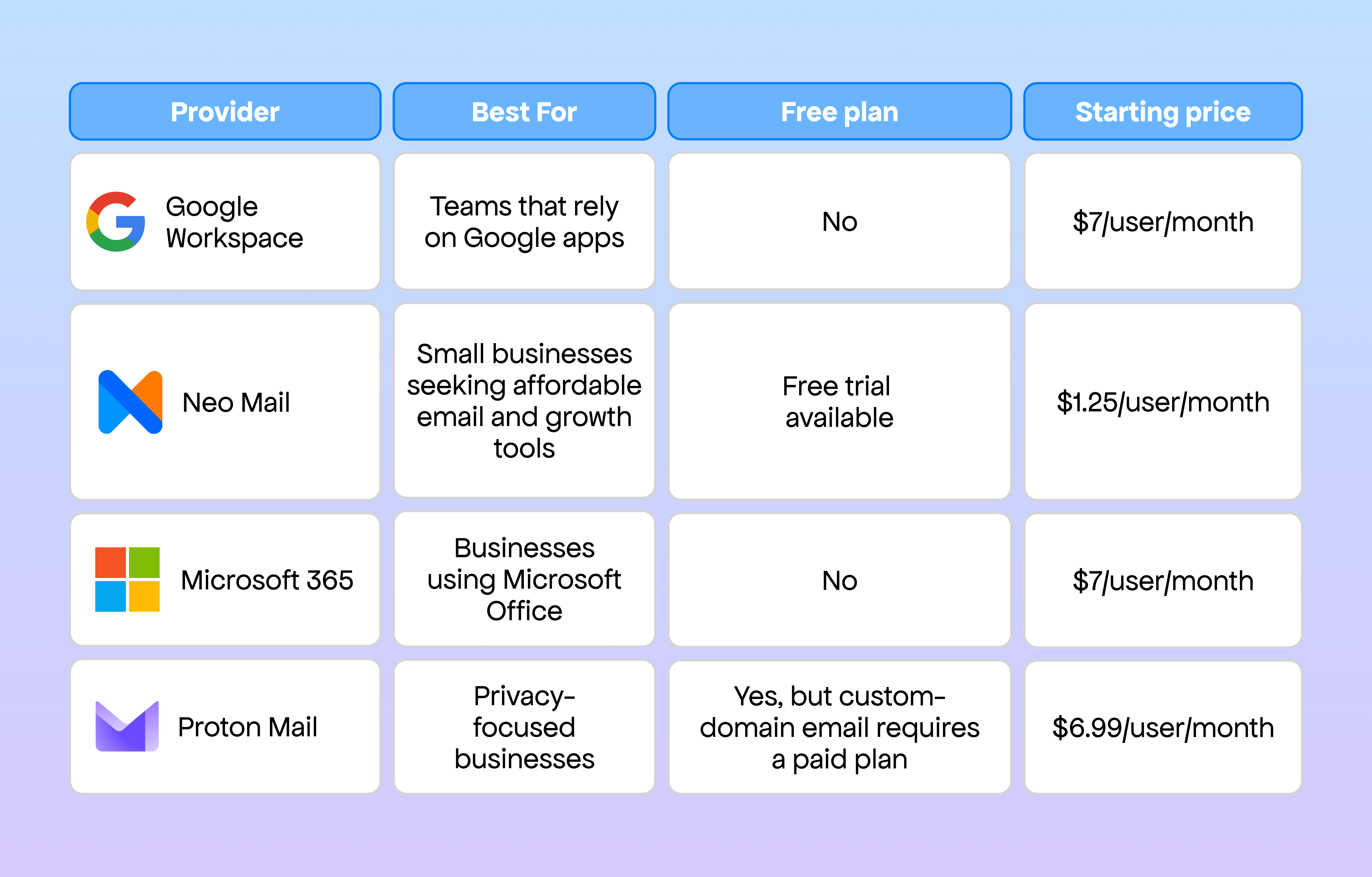
*The starting prices are calculated on an annual basis where this applies and were verified in August 2026. Prices and promotions may change.
What should a small business consider when looking for an email provider?
Price is important, but choosing the cheapest mailbox without considering security or usability can create problems later. Before comparing providers, consider the following factors.
Custom-domain email
Your service provider should enable you to create addresses such as hello@yourbusiness.com, sales@yourbusiness.com, and support@yourbusiness.com.
Security and account protection
Check that the system has two-factor authentication, spam filtering, an antivirus component, encryption, and support for email authentication records including SPF, DKIM, and DMARC.
Security should not be regarded as something that only concerns businesses. The FBI's 2025 Internet Crime Report showed that there had been about $3 billion in reported losses due to business email compromise. Furthermore, Verizon's 2026 Data Breach Investigations Report found that 48% of breaches involved ransomware.
Storage and file handling
Look into the amount of mailbox space and cloud storage that each user is allocated. Businesses which frequently exchange proposals, images, contracts, or design files will require more storage than businesses whose main activity is sending text-based messages.
Business productivity features
Calendars, appointment booking, file sharing, AI writing, email tracking, templates, and campaign tools can reduce the need for separate subscriptions.
Ease of administration
A small business should be able to add users, create aliases, reset passwords, and manage security settings without needing a dedicated IT adminstrator.
Top 4 best business email providers for small business
Choosing a business email provider comes down to what your team actually needs, from everyday collaboration to security and additional business tools. Some providers offer complete productivity suites, while others focus on affordability, privacy, or features designed specifically for smaller teams. Here are four options worth considering, along with where each one works best.
1. Google Workspace: Best for Google-based collaboration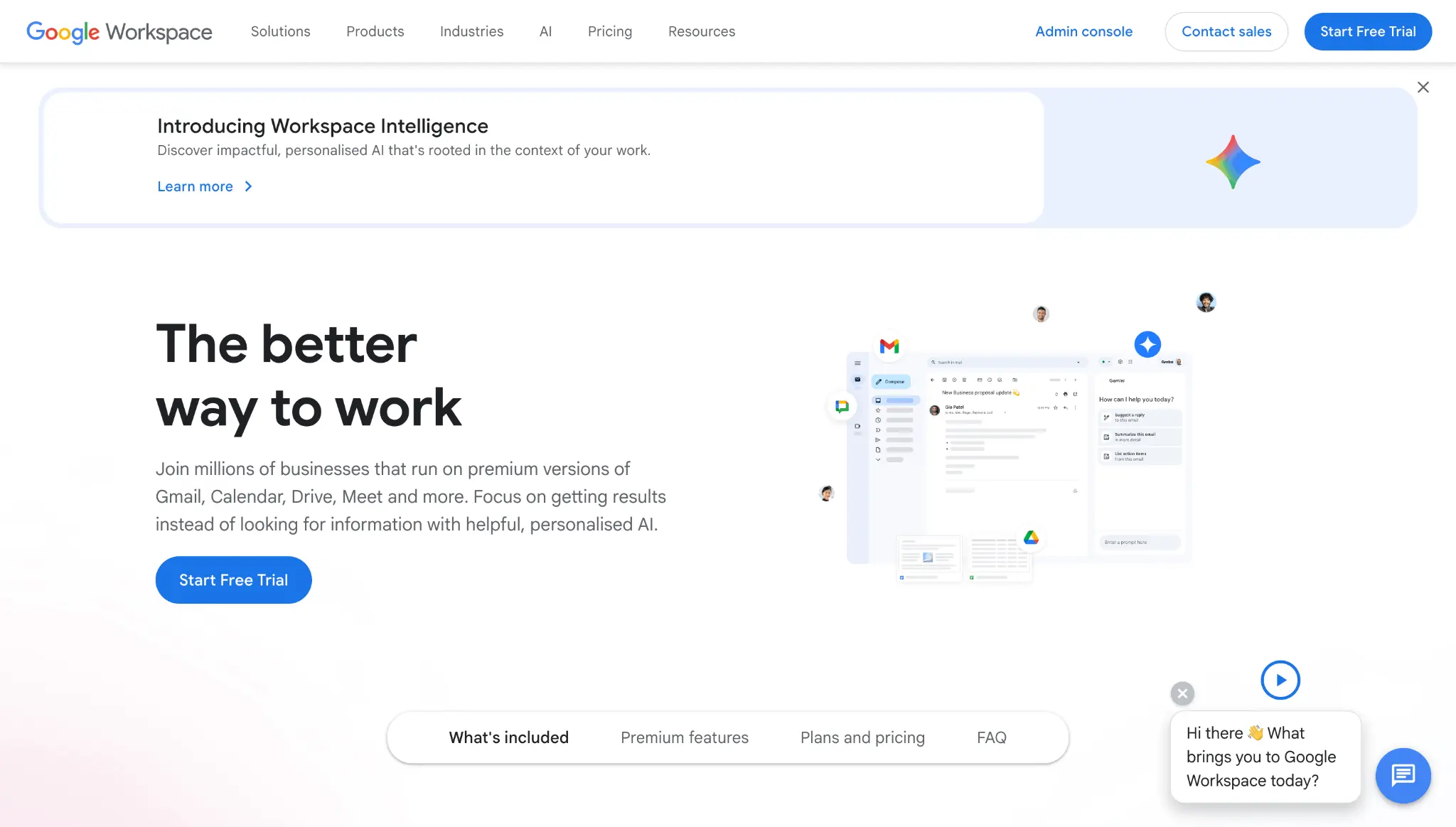
Google Workspace is the best option for companies that currently use Gmail, Google Drive, Docs, Sheets, Calendar, and Meet, since its familiar interface means that new users can relatively easily get started, especially when the employees already use Google products for personal purposes.
Their starter plan comes with professional Gmail, 30 GB of shared storage for each user, video conferencing, shared calendars, Google’s productivity apps, and built-in AI features, while the more expensive plans offer more storage and a higher meeting capacity.
Why Google Workspace stands out
- Familiar Gmail interface
- Strong collaboration through Docs, Sheets, and Slides
- Shared calendars and video meetings
- Reliable mobile and browser-based access
- Extensive third-party app integrations
- Centralized user and security administration
Where it falls short
Google Workspace may offer more software than a very small business needs. Per-user costs also increase as the team grows, particularly when employees require higher storage limits.
Best for: Small teams that collaborate frequently on documents and already use Google’s ecosystem.
2. Neo Mail: Best business email provider for small business growth tools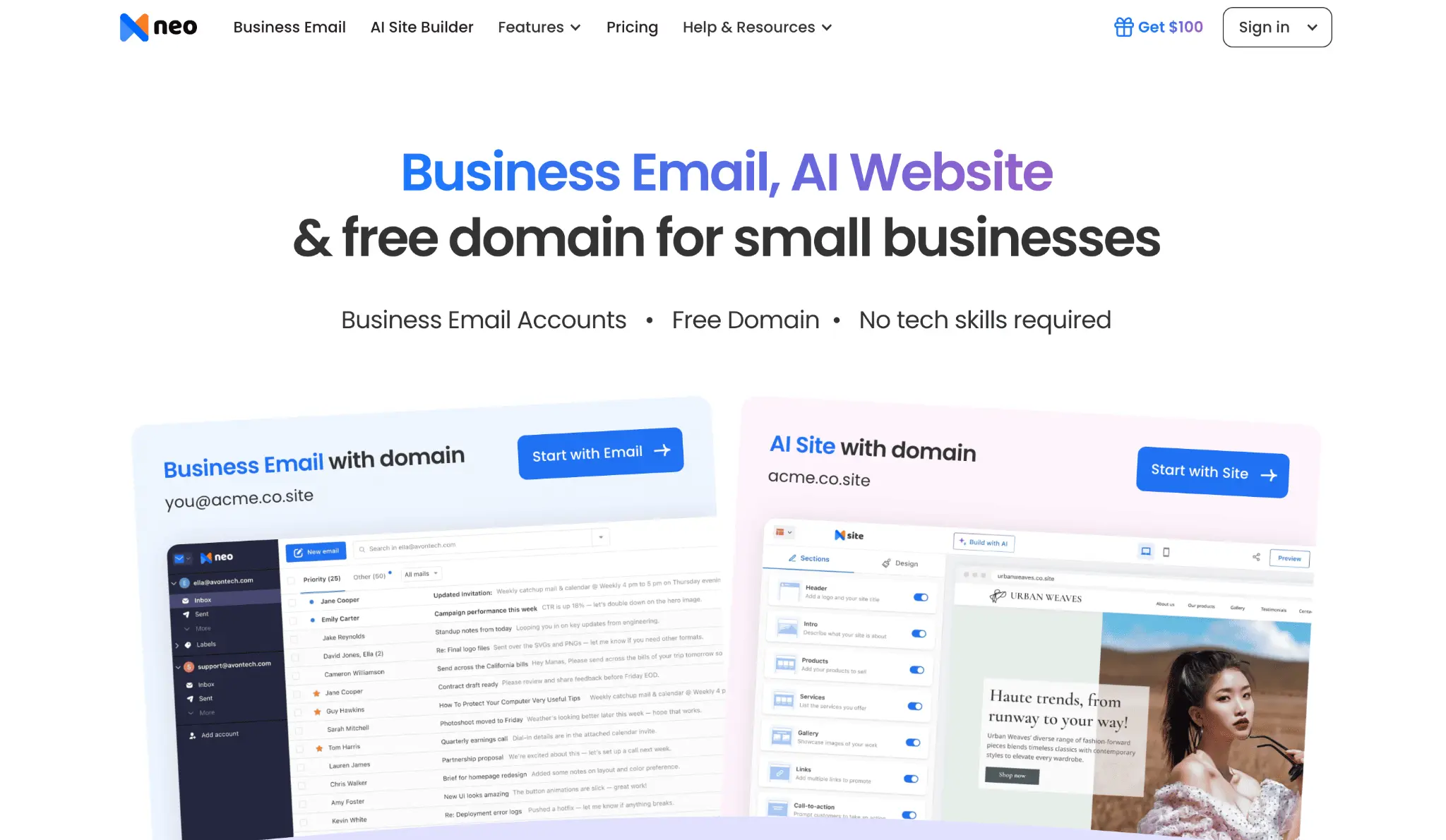
Neo Mail is one of the best all-in-one business email providers for small business owners who want professional email without paying for a large office productivity suite. Businesses can connect an existing domain or choose a domain option when they do not already own one.
What makes Neo Mail different is its focus on the everyday needs of freelancers, startups, and small teams. In addition to custom-domain email, it offers tools for writing messages, following up with leads, scheduling appointments, creating campaigns, sharing files, and building a simple business website.
This makes Neo Mail a strong choice for a business that wants email and lightweight growth tools in one place.
Useful Neo Mail features
- Custom-domain business email
- Read receipts and email tracking
- Follow-up reminders
- Email campaigns and an email designer
- Neo Drive for storing and sharing files
- Email Backup
- Free AI website builder
- Two-factor authentication and anti-spam protection
- Connect Neo Mail with ChatGPT to search, summarize, and manage emails.
For example, a freelance consultant could use the same platform to respond to inquiries, send appointment links, store proposals, track whether a client opened an email, and follow up when there is no response.
These features help position Neo Mail as a practical best business email service candidate for small companies that want more than a basic inbox but do not require a full office suite.
Where it falls short
Neo Mail does not replace advanced document collaboration tools such as Google Docs, Sheets, or Microsoft Office. Businesses that edit documents together throughout the day may still need a separate productivity suite. The same Neo Mail plan must also be used for every mailbox connected to one organization’s domain.
Best for: Freelancers, solopreneurs, service businesses, and small business that want low-cost business email with built-in sales and growth tools.
3. Microsoft 365: Best for businesses using office apps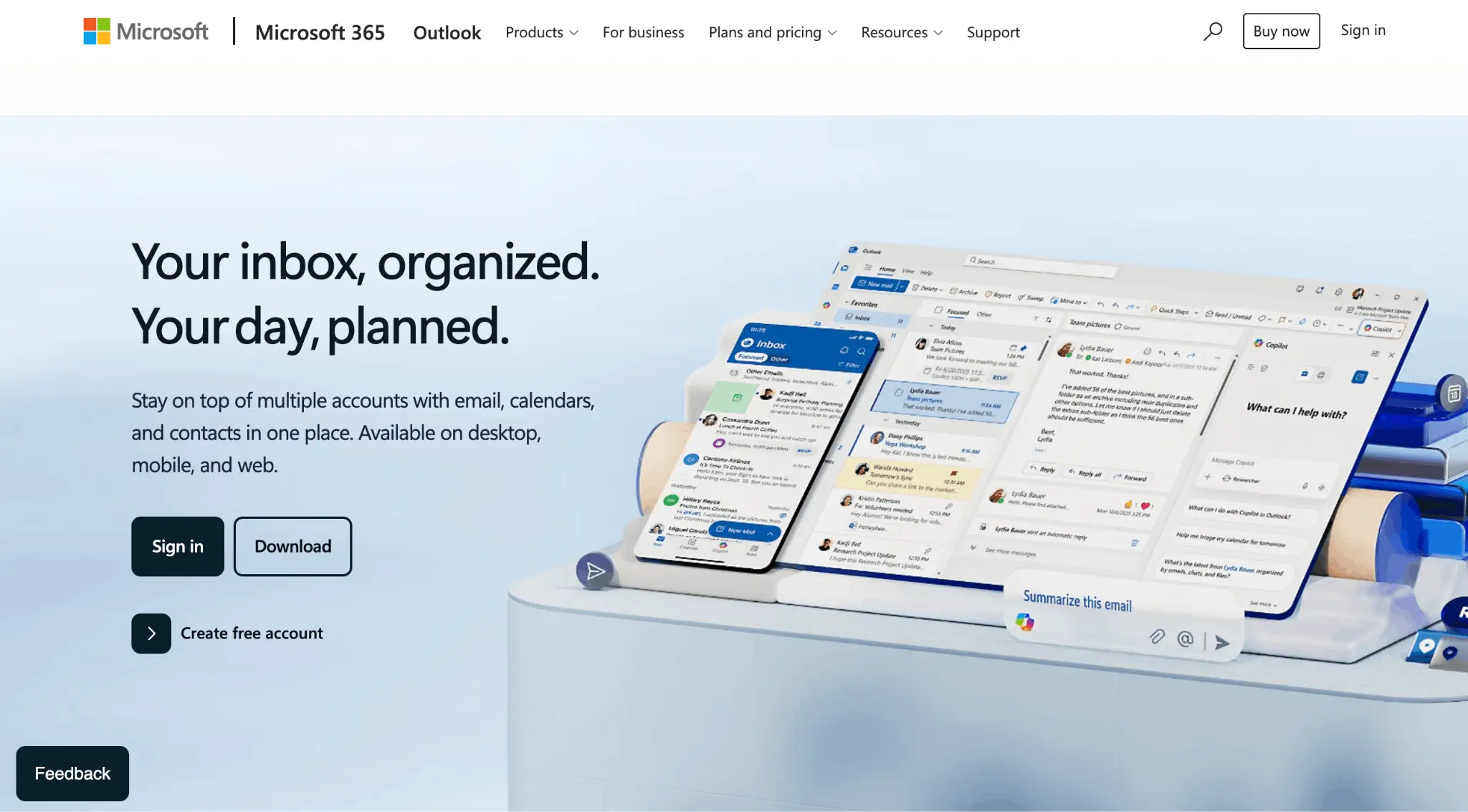
Microsoft 365 is a natural choice for companies that already work in Outlook, Word, Excel, PowerPoint, and Teams.
Microsoft 365 Business Basic includes custom business email, web and mobile versions of its productivity apps, 1 TB of OneDrive storage per user, and Microsoft Teams. Businesses that need installed desktop versions of Word, Excel, PowerPoint, and Outlook can select Business Standard.
Why Microsoft 365 stands out
- Professional email through Outlook
- 1 TB of cloud storage per user
- Strong Word, Excel, and PowerPoint compatibility
- Microsoft Teams for chat and meetings
- Shared calendars and contact management
- Bookings, Forms, Planner, and other business apps
- Familiar tools for traditional office workflows
Where it falls short
The number of plans, applications, and administrative settings can feel overwhelming for a small team. Business Basic also provides web and mobile Office apps rather than the full desktop applications.
Best for: Businesses that regularly use Office files or already operate within the Microsoft ecosystem.
4. Proton Mail: Best for privacy and encrypted email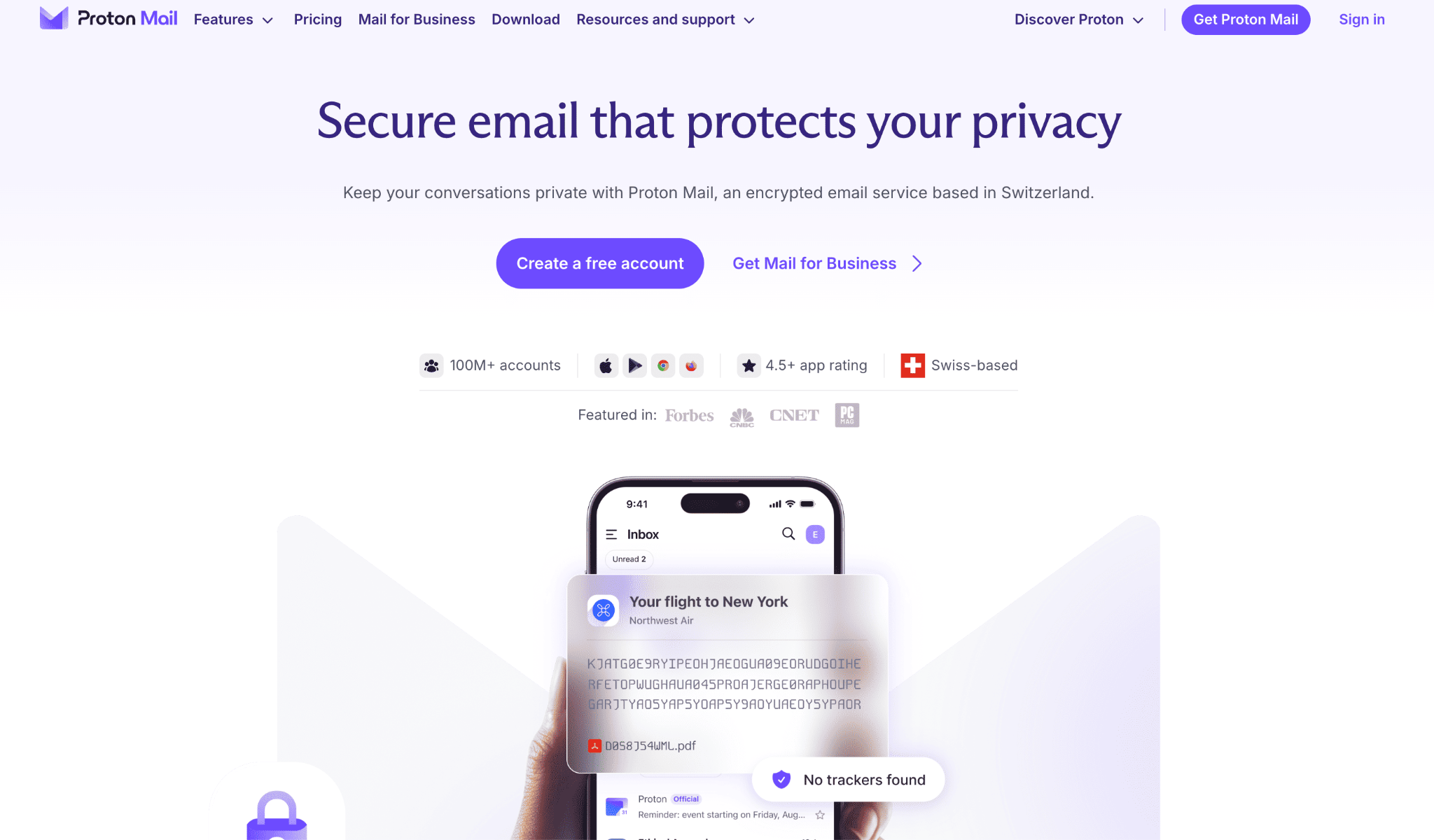
Proton Mail is a great option in this list for businesses that place privacy at the center of their email strategy. It is based in Switzerland and protects stored emails using zero-access encryption. Messages between Proton Mail users receive end-to-end encryption automatically.
Its essentials plan supports custom domains, multiple addresses per user, calendars, spam protection, and administrative controls. It also offers business plans that bundle email with encrypted cloud storage, VPN, and password-management tools.
Why Proton Mail stands out
- End-to-end encryption between Proton users
- Zero-access encryption for stored messages
- Custom business domains
- Password-protected messages for external recipients
- Open-source applications
- Tracking-link protection
- Encrypted calendar and cloud storage options
- No advertising or email scanning for ad targeting
Where it falls short
Proton Mail can be less convenient when working with businesses outside the Proton ecosystem because end-to-end encryption is not automatic for every external recipient. Some desktop email clients also require Proton Mail Bridge.
Best for: Legal practices, consultants, healthcare-related organizations, security-conscious teams, and businesses handling sensitive information.
How to choose the best business email provider
There is no single provider that works equally well for every company. Start by identifying what your team does immediately before and after checking email.
- Choose Google Workspace if employees regularly collaborate in Docs, Sheets, and Drive.
- Choose Neo Mail if you want affordable professional email combined with features such as appointment booking, email tracking, campaigns, AI assistance, file sharing, and a website builder.
- Choose Microsoft 365 if your team depends on Outlook, Excel, Word, PowerPoint, or Teams.
- Choose Proton Mail if protecting sensitive conversations is more important than having the broadest selection of productivity tools.
Whichever provider you select, configure two-factor authentication and email authentication records from the beginning. If you also send marketing or outreach campaigns, regularly monitor your sender reputation using a domain health checker. Before importing an existing contact database, learn how to check whether an email address is valid so outdated contacts do not increase your bounce rate.
Final thoughts
Google Workspace is a good option for teams that want email and real-time document collaboration. Neo Mail is a better fit for small business that want professional email, AI assistance, appointment booking, campaigns, file sharing, and other practical growth features without adopting a large office suite.
Microsoft 365 is the go-to option for companies working with Office applications, while Proton Mail is best for privacy-focused communication.
Before committing, compare the total cost for your expected number of users and confirm which features are included in the plan you are considering. The provider you choose matters, but so does the address you create. Choose a professional email address format that is simple, trustworthy, and easy for customers to remember.

