




You spent hours preparing an email campaign. The subject line looks good. The offer makes sense. You send it to 10,000 subscribers… but almost no one opens it.
Opens are low. Clicks are disappointing. And most of the time, the problem isn't your offer. It's where the email landed.
Your message goes to Spam or gets ignored in the Promotions folder. Often, this happens because of the words or phrases used in your email. Things like "limited time offer" or "100% free" don't automatically send you to spam. But when they're used too often, they increase the risk.
That's why using an email spam checker helps reduce this risk.
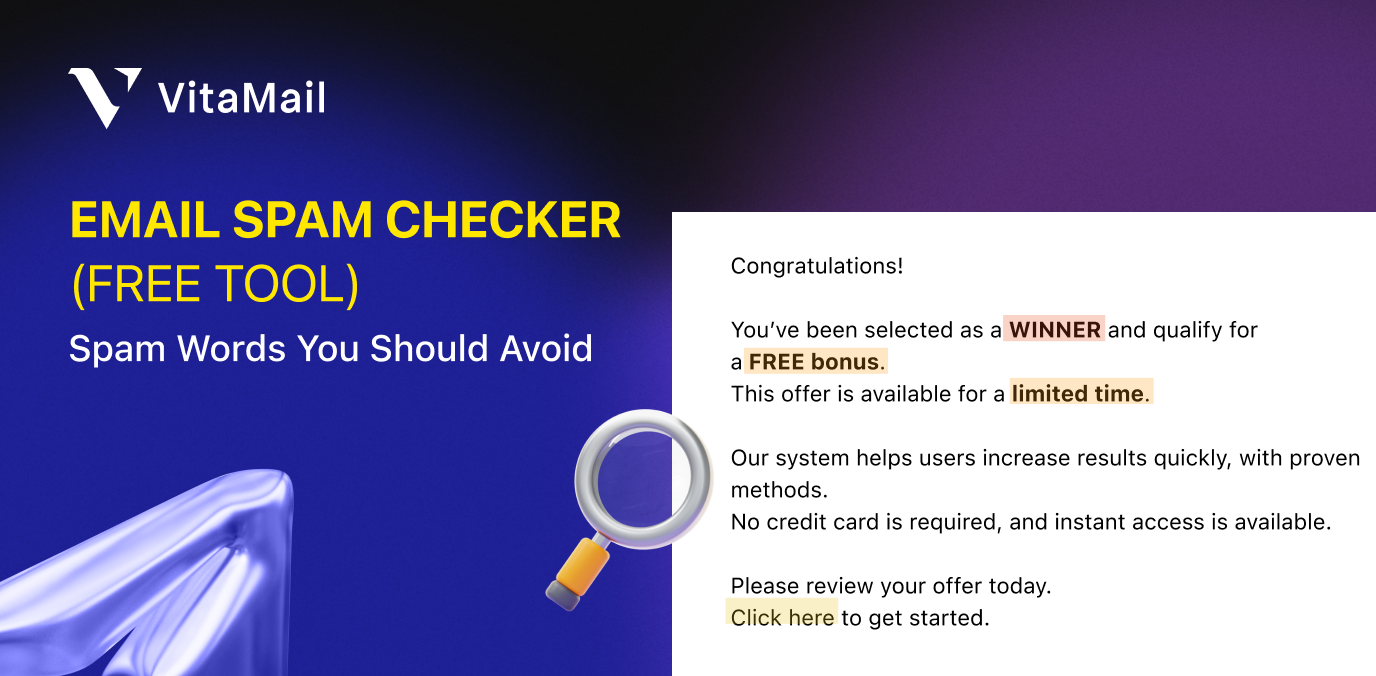
After you paste your subject line and email body, the tool scans your copy for common spam triggers. It shows you a risk score, highlights the words causing issues, and helps you clean things up before the campaign goes out.
Key Takeaways:
- Spam words don’t block emails on their own, but using too many together (especially with ALL CAPS or urgency) increases the chance of landing in spam.
- Spam checkers help catch risky wording early, but inbox placement also depends on your sender reputation, list quality, and domain setup.
- Aggressive or misleading language often leads to spam complaints, even if the email reaches the inbox, which hurts future deliverability.
- Simple rewrites work, clear, calm wording performs better than pushy phrases and helps build trust with both users and email providers.
- To stay out of spam, you need both clean content and a clean list, since filters look at what you send and who you send it to.
$(renderSpamCheckerTool)
Clean content is the first step.
This spam checker helps you spot risky words and keep your copy clean. But inbox placement depends on more than just the words in your email. Sender reputation, list quality, and domain health all play a major role in whether your messages actually reach people’s inboxes.
That's where VitaMail comes in. It’s built for marketers, SMBs who care about email marketing results. With VitaMail, you can prepare your email lists, monitor domain health, and manage your email workflows in a way that supports better deliverability.
You’ve already taken the first step by checking your content. Now, ensure that the rest of your email setup supports it.

What is an email spam checker?
An email spam checker analyzes your email content to spot wording and patterns that can trigger spam filters. It reviews your subject line and body text, looks for common trigger phrases, and gives you a spam risk score.
Most email spam checker tools work similarly. You paste your subject line and email body, and the tool scans your copy against known spam keywords and pattern databases. Then it shows you what needs fixing. Better tools also suggest cleaner alternatives, so you don't have to guess how to rewrite your message.
Do spam keywords still matter in 2025?
Short answer: yes, but not in the old way.
With around 9.7 billion emails sent every day in the United States, inboxes are crowded by default. Spam filters have no choice but to be selective.
That’s why patterns, tone, and intent still matter, even in 2026.
Email providers like Gmail and Yahoo now use machine learning to filter spam. They look at sender reputation, engagement, and how people interact with your emails. If subscribers regularly open and read your messages, using the occasional word like "free" or "act now" usually isn't a problem.
That said, spam filters still scan your content. Instead of blocking emails because of a single word, they look at patterns. How often do spam-trigger words appear? Are they stacked together? Are they combined with ALL CAPS, multiple exclamation marks, or aggressive sales language?
Keywords matter because they signal intent. A single "free" in a newsletter about your genuinely free resource? Fine. But "FREE CASH BONUS - ACT NOW!!!" in your subject line? That combination raises red flags almost every time.
There's also the human factor. Even if an email reaches the inbox, people will mark it as spam if it feels pushy or misleading. Too many spam complaints hurt your sender reputation, and once that happens, mailbox providers start filtering your future emails automatically.
The biggest spam keyword categories
Not all spam words carry the same risk. Some categories are more likely to trigger filters than others. Use this table as a quick reference.
Important: These are risk signals, not automatic blockers. One keyword won’t send your email to spam, but stacking multiple triggers (especially in subject lines) increases the risk quickly.
How spam filters score trigger words in 2026
Modern filters score a pattern, weighted against everything they already know about you as a sender. Three things shape that weighting.
Why spam words aren't the only problem
Spam keywords are only part of the picture. Spam filters also look at how your email is built and how it's sent. Even a clean copy can land in spam if these basics are ignored.
Here are other common issues that hurt deliverability:
- Frequency and stacking: one trigger word rarely matters, but three or four in a single subject line compound the risk score fast.
- Sender reputation: a sender with strong open rates and low complaint history gets more tolerance for occasional trigger language than a new or low-engagement sender using the exact same words.
- Placement: a trigger word in a subject line carries more weight than the same word buried in body copy, since subject lines get scanned before a recipient ever opens the message.
This is why the same phrase can perform fine for one sender and land in spam for another. The word isn't the whole signal. It's the word combined with who's sending it, how often, and where it sits in the message.
ALL CAPS and excessive punctuation
Subject lines like "BUY NOW!!!" or "AMAZING OFFER!!!" look spammy because that's how many scam emails are written. Use normal capitalization. One exclamation mark is usually enough.
Too many links
Filling an email with links can look suspicious. Stick to two or three clear calls to action, and make sure they point to reputable domains.
Image-heavy emails
If your message is mostly one large image with very little text, filters get cautious. This is a common spam tactic used to hide content. Always include real, readable text.
Misleading subject lines
Using "Re: Your account" when there was no previous conversation often leads to spam complaints. Be clear and honest about what's inside the email.
Missing unsubscribe link
This is both illegal in many regions and a major trust signal. Nearly half of recipients will mark an email as spam if they can't easily unsubscribe. Always include a clear opt-out option.
Bad authentication
Without SPF, DKIM, and DMARC, inbox placement becomes much harder. Gmail and Yahoo now require these for bulk senders, and missing them increases the chance of filtering or rejection.
Dirty email lists
Sending to old or inactive contacts hurts your sender reputation. Clean your list regularly. Removing people who haven't opened in six months is often better than continuing to email a disengaged audience.
This is where tools beyond a basic email checker or spam scanner become useful. Email verification helps remove invalid addresses before you send. Deliverability monitoring helps track your sender reputation over time. But everything still starts with clean, trustworthy content.
Still not sure what’s causing your emails to land in spam? If you’d like to talk through your current situation, you can book a free 15-minute consultation with a VitaMail email marketing consultant.
How to rewrite spammy email copy
Most spammy emails are just too aggressive. Too urgent. Too loud. A few small wording changes are often enough to keep the meaning and lower the risk.
Here are some simple before-and-after examples:
- Spammy: "Claim your FREE cash bonus now!"
- Better: "Here's your welcome bonus for signing up"
- Spammy: "ACT NOW - Limited time offer expires today!!!"
- Better: "This offer ends Friday at midnight"
- Spammy: "You've been selected as a WINNER! Click here immediately!"
- Better: "You're invited to our exclusive member event"
- Spammy: "Make money fast with our proven system - 100% guaranteed!"
- Better: "Join 10,000+ members who've grown their income with our training"
- Spammy: "URGENT: Verify your account now or it will be suspended"
- Better: "We noticed unusual activity on your account. Please review"
- Spammy: "Risk-free trial - no credit card - cancel anytime - act now!"
- Better: "Start your 14-day trial. No credit card required"
See the pattern? The rewritten versions say basically the same thing but sound less desperate. They're calmer and more trustworthy. That's what you're going for.
Real-life use cases
All of this comes together when you're sending real emails under real pressure. Different teams face different risks, but the goal is the same: get emails into the inbox.
For email marketers
You're running a flash sale for an e-commerce campaign. You need urgency, but not the kind that looks spammy. Before sending, check your subject line with a spam email checker. If it's flagged, soften the wording.
"Flash sale ends tonight" usually performs better than "LAST CHANCE – EVERYTHING MUST GO!!!"
For SaaS teams
You're sending onboarding emails to new trial users. These emails matter for activation, so inbox placement is critical. Review your copy for pressure-heavy language.
Instead of "Don't miss out on these features," try something calmer like "Here's what you can do during your trial."
For agencies
You're managing campaigns for several clients at once. Before each send, run the copy through a spam checker. It's faster than manual reviews and helps catch issues you might miss when you're moving quickly or juggling multiple accounts.
Many teams add a spam checker to their pre-send checklist for one simple reason: it catches risky language before it turns into deliverability problems.
How to use this free email spam checker
Using the tool is simple and only takes a few minutes.
1. Paste your subject line
Add your subject line in the first field. This step matters more than most people realize, subject lines have a big impact on spam filtering.
2. Add your email body
Paste the full message you plan to send. Include everything, not just a draft or partial version.
3. Review the highlighted words
The tool highlights phrases that trigger spam signals and shows which risk categories they fall into.
4. Check your spam score
- Under 30%: generally safe
- 30–60%: worth revising
- Over 60%: high risk of landing in spam
5. Rewrite and test again
Fix the problem areas and run another check. Small wording changes can lower the score quickly.
6. Verify your list before sending
Clean copy is only part of the equation. Use email verification to remove invalid or risky addresses that cause bounces and hurt your sender reputation.
The tool catches obvious issues automatically. But it also helps you spot patterns you might miss, like stacking urgency words in one paragraph, or combining money-related terms with exclamation marks in a subject line.
Quick note on spam email address checkers
People often confuse a spam email address checker with a content spam checker. They solve different problems.
A spam email address checker (also known as email verification) checks whether an email address exists and can receive messages. It helps catch typos, disposable emails, and spam traps, protecting your sender reputation by reducing bounces.
A content spam checker, like this email spam checker tool, analyzes your message text for spam triggers. It focuses on what you're saying, not who you're sending to.
You need both.
Verify your list to make sure you're emailing real people. Then check your content to make sure it doesn't sound like spam. Skipping either step increases risk.
Conclusion
Email spam filters are getting smarter every year. But they're not perfect, and neither are we. Sometimes a phrase sounds fine until a tool flags it. Sometimes you're in a rush and miss the extra exclamation marks in your subject line.
That's why checking your content before you send isn't paranoid. It's practical.
Spending a few minutes with an email spam checker can help keep your campaign out of the junk folder and protect the sender's reputation, which you've spent months building.
Use the tool above to scan your next email. You may be surprised by what it catches.

