




Email marketing has always been about reaching the right people with the right message at the right time. But doing all of that manually takes time, testing, and constant tweaking and even then, results can feel inconsistent. That’s where AI changes everything.
Today, AI tools help you clean your email list, write stronger subject lines, create complete campaigns, and protect your domain reputation without the usual guesswork. Instead of spending hours on tasks that don’t move the needle, you can focus on strategy while AI handles the technical and repetitive parts.
In this guide, you’ll learn how to do email marketing using AI step by step from preparing your audience to sending optimized campaigns.
Step 1 - Clean Your Email List with AI
A strong email campaign starts with a clean, accurate list. If your contacts include invalid, fake, or inactive addresses, your emails are more likely to bounce and high bounce rates hurt your deliverability and sender reputation.
This is where AI makes a big difference.
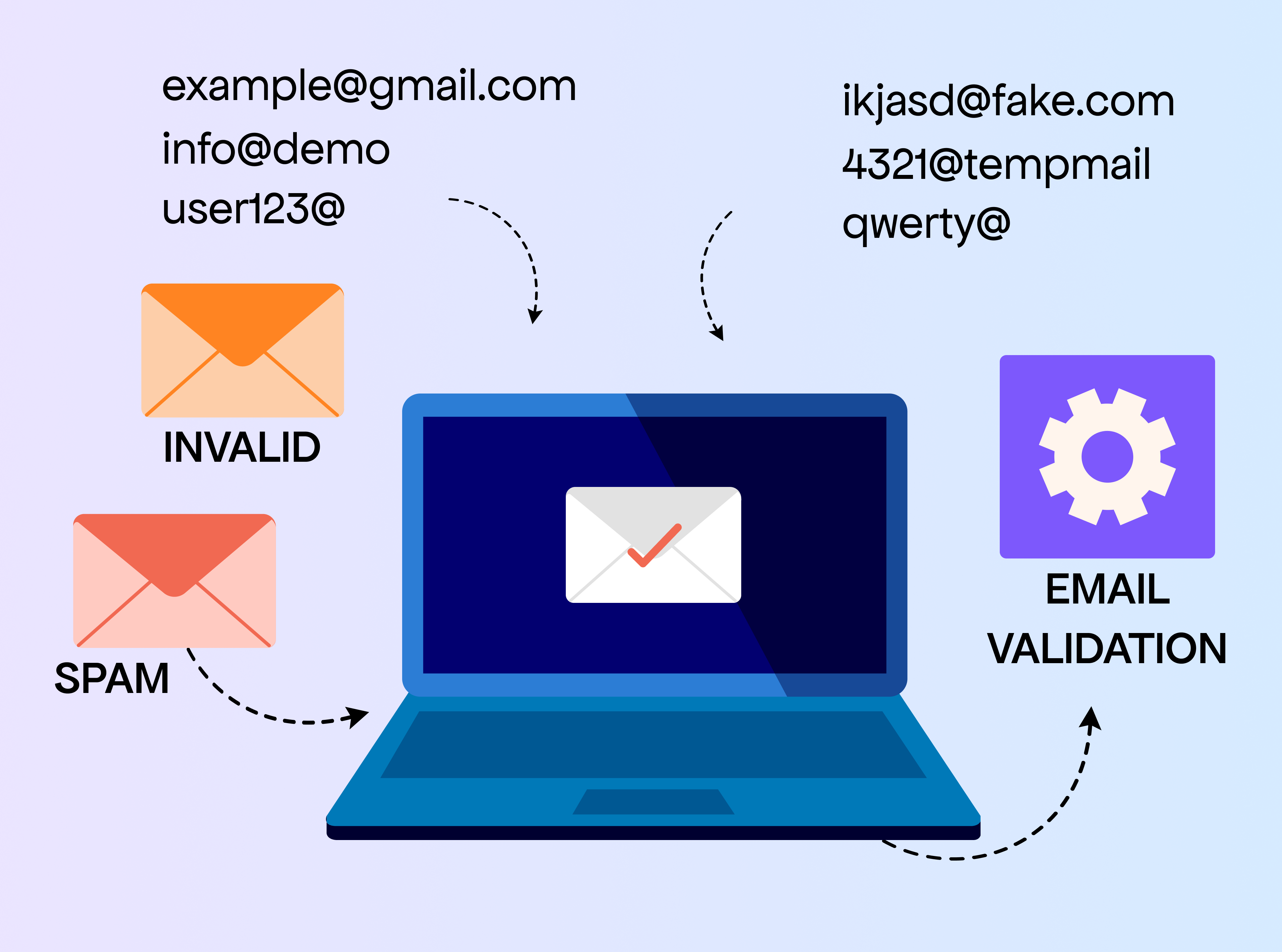
VitaMail’s Email Validation Tool checks every email on your list and removes addresses that could cause problems, including disposable domains, typos, and inactive accounts. Instead of going through your list manually or guessing which emails are real, AI validates everything in seconds.
A clean list helps you:
- Reduce bounce rates
- Improve inbox placement
- Protect your domain reputation
- Reach real people who actually want to hear from you
Before writing or sending anything, validating your list with AI gives your entire campaign a stronger foundation.
Step 2 - Create Strong Subject Lines with AI
A good subject line can make all the difference in how your email performs. Even experienced marketers know the challenge: some subject lines get great engagement, and others fall flat for no obvious reason. Writing them consistently and with variety takes time and creativity.
Tools can make this part easier.
VitaMail includes a subject line generator that helps you come up with fresh, clear, and relevant options based on the tone you want to use. You choose the style, share a bit about your email, and the tool gives you multiple ideas you can refine or use as-is. It’s helpful when you’re sending frequent campaigns and need new wording, or when you want to test different angles without spending too much time brainstorming.
Stronger subject lines help your email stand out in crowded inboxes. They set expectations, spark interest, and give readers a reason to open your message. With a generator assisting you, you spend less time trying to find the perfect phrasing and more time focusing on what your email is actually about.
Related Topic: To understand why more teams are adopting AI across their marketing efforts, it helps to look at the numbers behind the trend. These AI marketing statistics for 2026 highlight how data, automation, and AI are shaping modern campaigns.
Step 3 - Build Full Campaigns with AI
Writing a complete email campaign from scratch can take a lot of time outlining the message, finding the right tone, deciding on the structure, and making sure everything sounds consistent. This is often the part where people get stuck, especially when they need to prepare multiple emails for a sequence or promotion.
VitaMail’s email campaign generator makes this step easier and more organized. Instead of giving you a generic template, it asks a few simple questions about your campaign:
- What is the goal?
- Who is the audience?
- What offer or message do you want to share?
- What tone should the email follow?
- How long should the email be?
Once you fill these in, the tool creates a clear campaign draft that includes an introduction, main message, and call-to-action. You can use it as a starting point and adjust the details to match your brand or add any personal touches you want.
This approach helps you avoid staring at a blank page and gives you a solid structure to work with. Whether you’re preparing a welcome email, a sales announcement, or a re-engagement message, the generator provides a clean first version so you can focus more on fine-tuning and less on building everything by hand.
When you’re managing regular campaigns or multiple client projects, this step alone saves hours and makes your workflow much smoother.
Seeing real examples makes it easier to understand how AI fits into successful strategies. These effective email marketing examples show how different approaches work in practice.
Step 4 - Protect Your Deliverability with Domain Health Tools
Even the best-written emails won’t perform well if they never reach the inbox. Deliverability issues are surprisingly common things like authentication errors, blacklist entries, or domain configuration mistakes can quietly block your emails or send them straight to spam without you noticing.
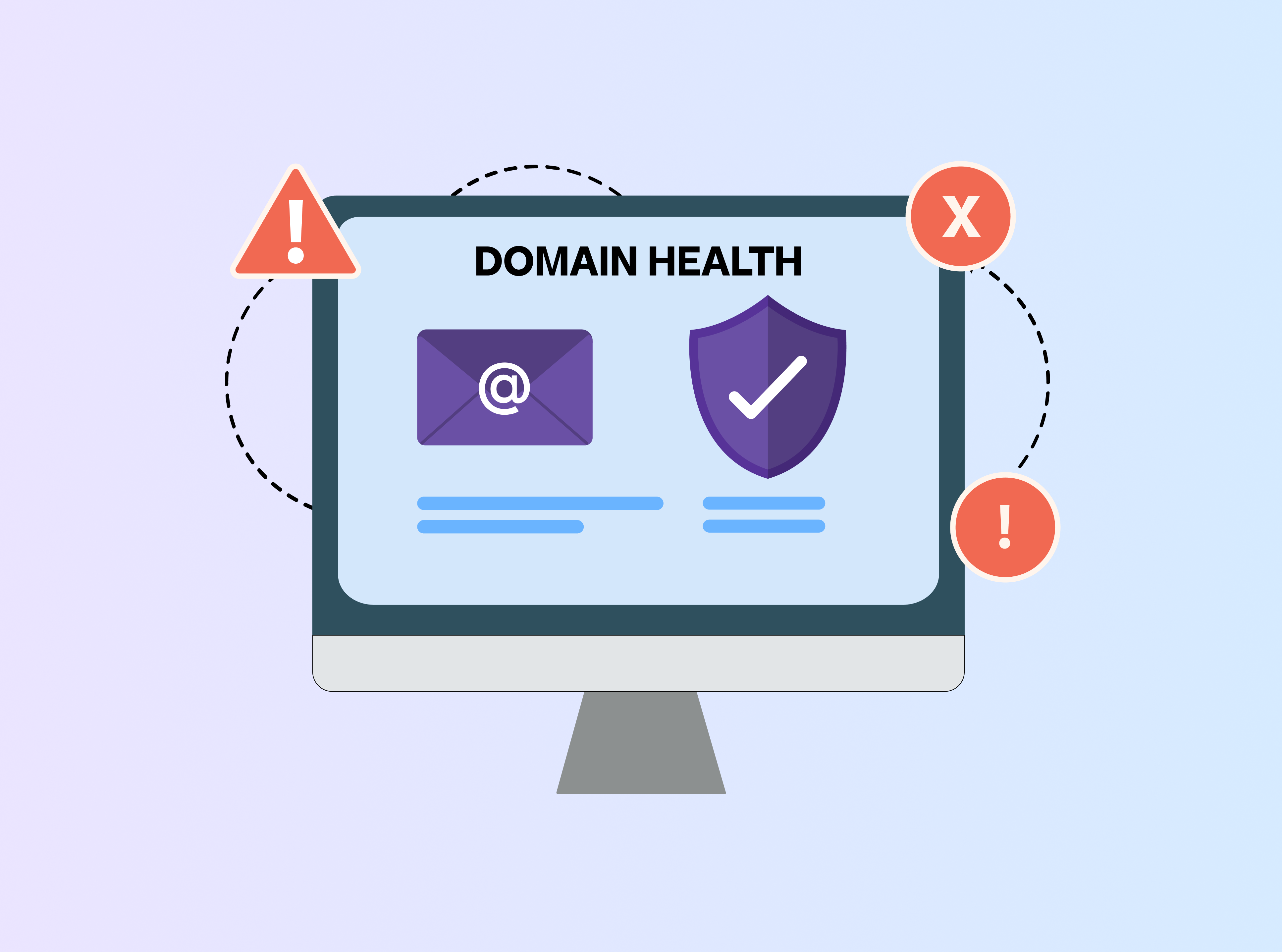
This is why checking your domain health is an important part of email marketing.
VitaMail includes a set of tools designed to help you keep your domain in good condition. The Domain Health Checker scans your domain and shows if anything needs attention, such as SPF, DKIM, or DMARC issues. It also checks for blacklist entries and gives you a simple status overview.
If you want ongoing protection, Domain Monitoring tracks your domain over time and lets you know the moment something changes. And the Domain Doctor explains what the issues mean and what steps you can take to fix them.
These tools help you avoid sudden drops in open rates or unexpected spam filtering. When your domain is trusted and properly authenticated, more of your emails make it to the inbox which means better results from every campaign you send.
A healthy sending domain is one of the biggest factors behind consistent email performance, and having these checks built into your workflow keeps your campaigns safe and reliable.
Step 5 - Automate Repetitive Email Tasks
A lot of email marketing work isn’t creative, it's the day-to-day tasks you repeat for every campaign. Follow-ups, reminders, tone adjustments, or writing short variations of the same message can take more time than people expect.
Tools can help you speed up these routine tasks.
With VitaMail, you can quickly create:
- Follow-up messages
- Reminder emails
- Short or long versions of the same email
- Different tones for different audiences
- Quick drafts for announcements or updates
Instead of starting from a blank page, you get a prepared version you can edit and finalize. This keeps your workflow smooth and saves time, especially when you need to send multiple emails in a week.
Automation here isn’t about replacing your voice, it's simply giving you a faster starting point so you can stay consistent without feeling overwhelmed. If a message ever reads a little too polished or generic, use a good AI detector to spot the AI patterns and rework those sections to preserve your writing style.
Tip: AI can simplify complex workflows, but a solid campaign structure still matters. This guide on the easiest way to build email campaigns walks through the basics that help AI-driven emails perform better.
How VitaMail Helps You Use AI for Every Email Marketing Step
VitaMail brings all the essential parts of email marketing into one place, making the entire process easier from start to finish. Instead of using separate platforms for list cleaning, writing, and domain checks, everything runs inside a single workflow.

Here’s how each tool fits into your email process:
- Email Validation Helps you start with a clean list by removing invalid or risky email addresses. This keeps your deliverability strong and reduces bounce rates.
- Subject Line Generator Gives you fresh, clear, and relevant headline ideas so you don’t spend too much time trying to find the right wording for every campaign.
- Email Campaign Generator Build a complete draft based on your goals and message. You answer a few quick questions, and it gives you a structured email you can edit and finalize.
- Domain Health Tools Check your sending domain, monitor ongoing changes, and help you catch issues that could send your emails to spam such as authentication errors or blacklist entries.
Together, these tools help you cover all core parts of email marketing: preparing your list, creating your message, and making sure it reaches the inbox. It’s a simple, organized way to handle your campaigns without switching between multiple platforms or doing everything manually.
Related topic: Beyond performance gains, AI is also changing how companies think about efficiency and long-term strategy. This breakdown of AI cost efficiency and strategic transformation in marketing explains how enterprises are using AI to reduce costs while scaling smarter.
Start Using AI for Email Marketing - 10K Free Credits to Begin
If you want to try a smoother, faster way to handle your email marketing, VitaMail makes it easy to get started. Every new user receives 10,000 free credits, giving you full access to list cleaning, campaign creation, subject line ideas, and domain health checks.
You can explore each tool, test different workflows, and see how much time you save all before committing to a plan.

